Transform Text to Video with Kling 2.6
Use Kling 2.6 text to video to turn natural language into cinematic sequences. Kling 2.6 Pro interprets complex prompts, maintains consistency, and supports native audio in Kling Pro mode for professional storytelling.
Kling 2.6 Pro Text to Video: Cinematic Video with Native Audio
Create professional videos with Kling 2.6 Pro text to video. Turn clear prompts into 5 or 10 second clips with synchronized, native audio. Choose aspect ratios (16:9, 9:16, 1:1) for social or cinematic formats and generate production‑quality motion and sound together.
Kling 2.6 Image to Video Showcase
See what's possible with Kling 2.6 image to video. From cinematic camera movement to fluid character animation, Kling 2.6 Pro delivers natural motion and consistent style.
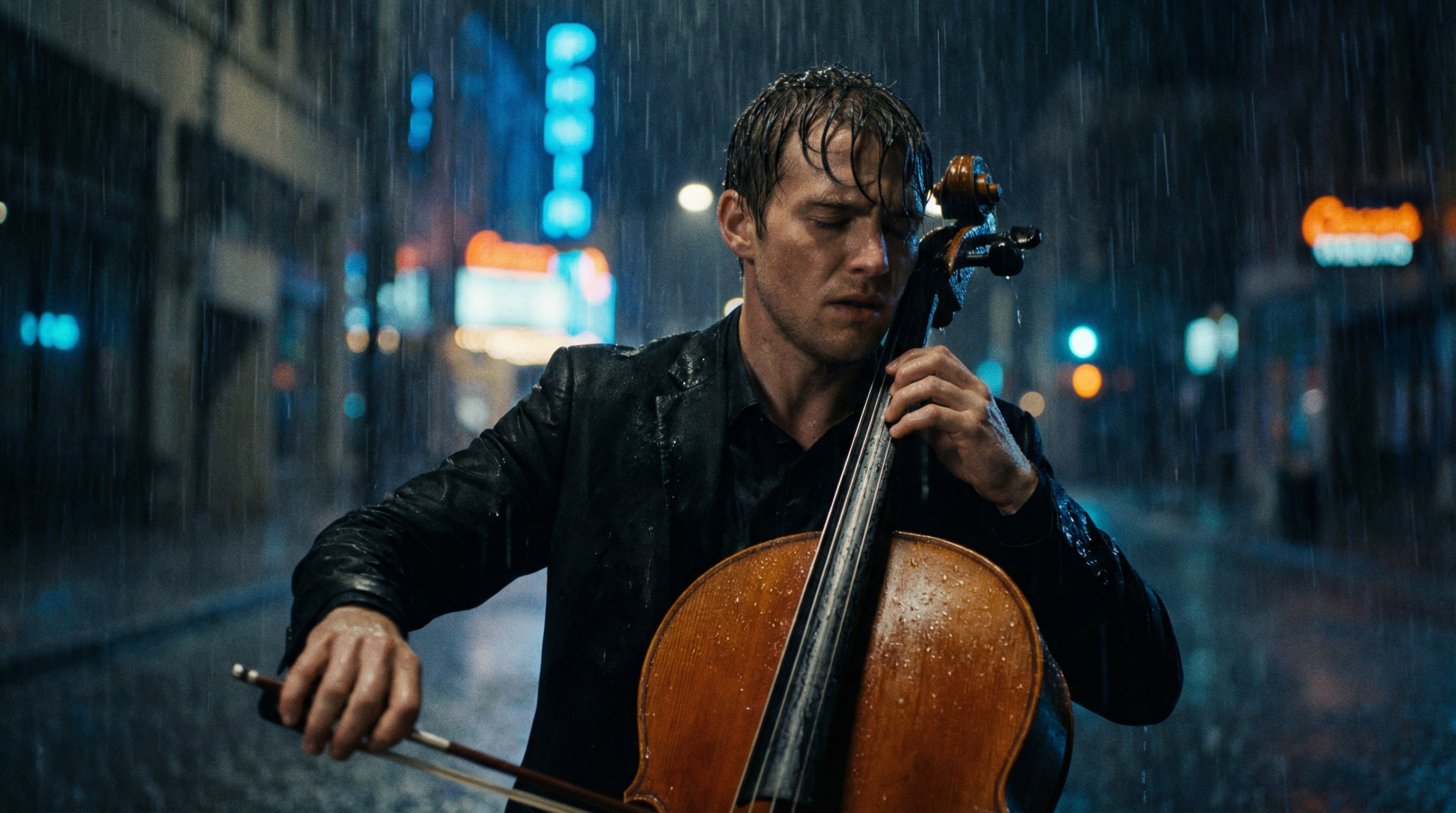
Kling 2.6 Prompt
On a rainy night street with neon lights flashing, the streetlights illuminate the wet ground as raindrops fall. A cellist stands under the streetlight, with raindrops dripping from their hair, playing the cello.The slow and affectionate solo melody of the cello , with a cold color tone.
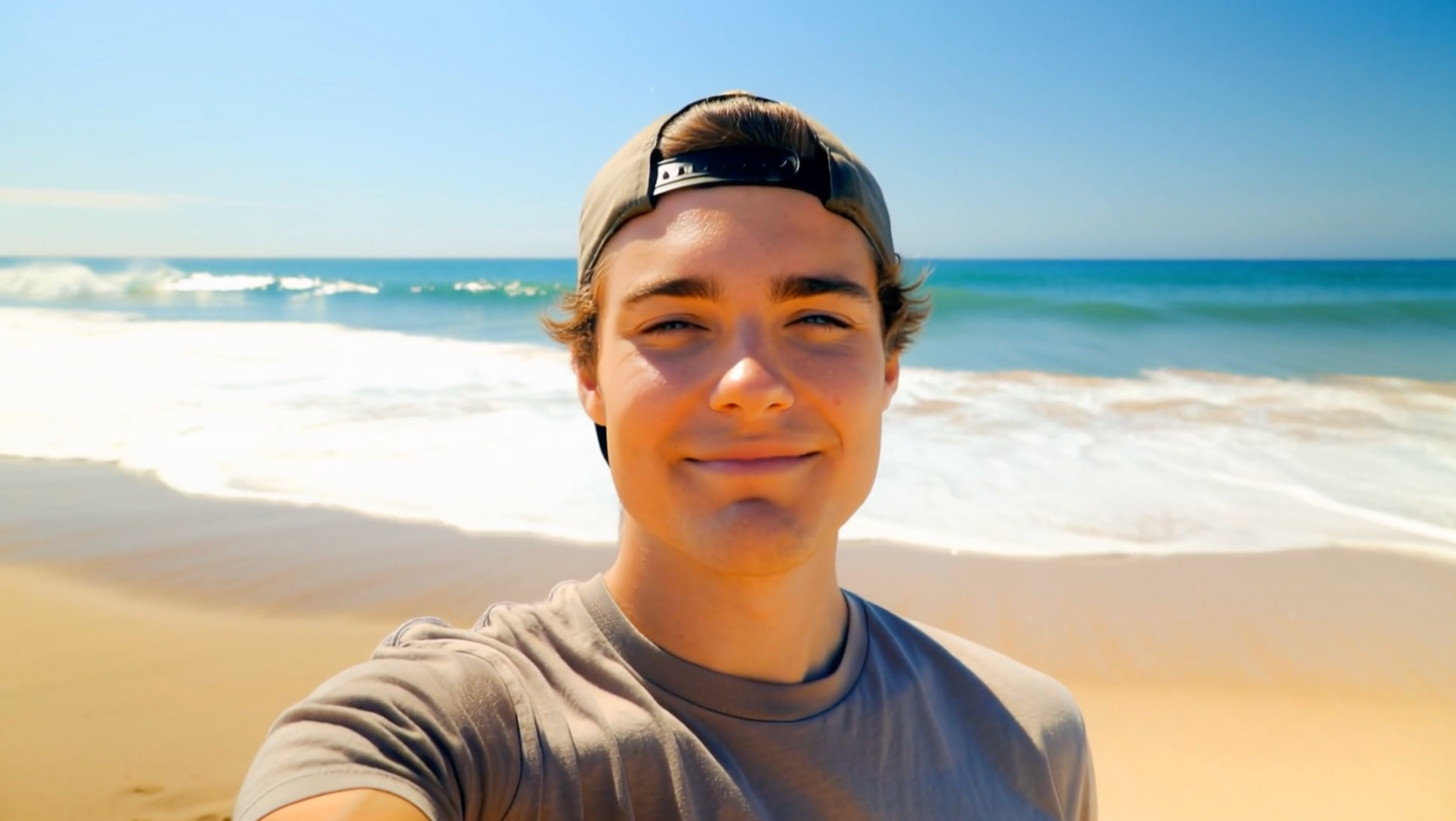
Kling 2.6 Pro Tutorials and Reviews On YouTube
Loading...
Bring Images to Life with Kling 2.6 Pro
Kling 2.6 image to video animates static images with natural motion while preserving style and identity. Kling Pro ensures coherent movement and timing, ideal for artwork, photos, and branded content.
Key Features of Kling 2.6 Pro AI Video Generator
- Kling Pro Motion Coherence: Kling 2.6 Pro delivers exceptional motion coherence for cinematic shots. Complex prompts are interpreted naturally, ensuring consistent timing and style in Kling 2.6 text to video and image to video.
- Native Audio in Kling Pro: Kling Pro supports native audio generation and synchronization. Produce videos with sound that matches the scene dynamics for professional results.
- Efficient Generation: Kling 2.6 is optimized for efficient generation with high visual fidelity. Kling 2.6 Pro maintains quality while delivering fast results for creators and teams.
How to Use Kling 2.6 Pro AI Video Generator
Getting started with Kling 2.6 is straightforward. Use Kling 2.6 text to video to turn prompts into cinematic shots, or Kling 2.6 image to video to animate stills with natural, coherent motion. Kling Pro adds advanced controls and native audio.
Step 1
Choose Your Input Mode Select Kling 2.6 text to video or Kling 2.6 image to video. Both modes in Kling 2.6 Pro deliver professional quality with natural motion and consistent style.
Step 2
Craft Your Prompt For Kling 2.6, detailed prompts work best. Describe subjects, motion, camera moves (e.g., pan right, zoom in), and lighting. Kling 2.6 text to video interprets complex intent precisely.
Step 3
Adjust Model Settings Configure output resolution, duration, and aspect ratio. Kling 2.6 Pro supports high-quality output and native audio in Kling Pro mode for synchronized sound.
Step 4
Generate with Kling 2.6 Click generate and let Kling 2.6 render your video. Kling Pro enhances motion coherence, timing, and audio, producing consistent, cinematic results.
FAQ
Start Creating with Kling 2.6 Pro
Use Kling 2.6 text to video and Kling 2.6 image to video to transform ideas into cinematic motion. Try Kling Pro for native audio and advanced control.