MiniMax H3 Max Image To Video Showcase
See what MiniMax H3 Max Image To Video can do. Animate your still images with impressive motion consistency and native stereo audio.

MiniMax H3 Max Prompt
A professional headshot animated with natural motion, cinematic lighting, and smooth camera movement. Generated with MiniMax H3 Max Pro quality.
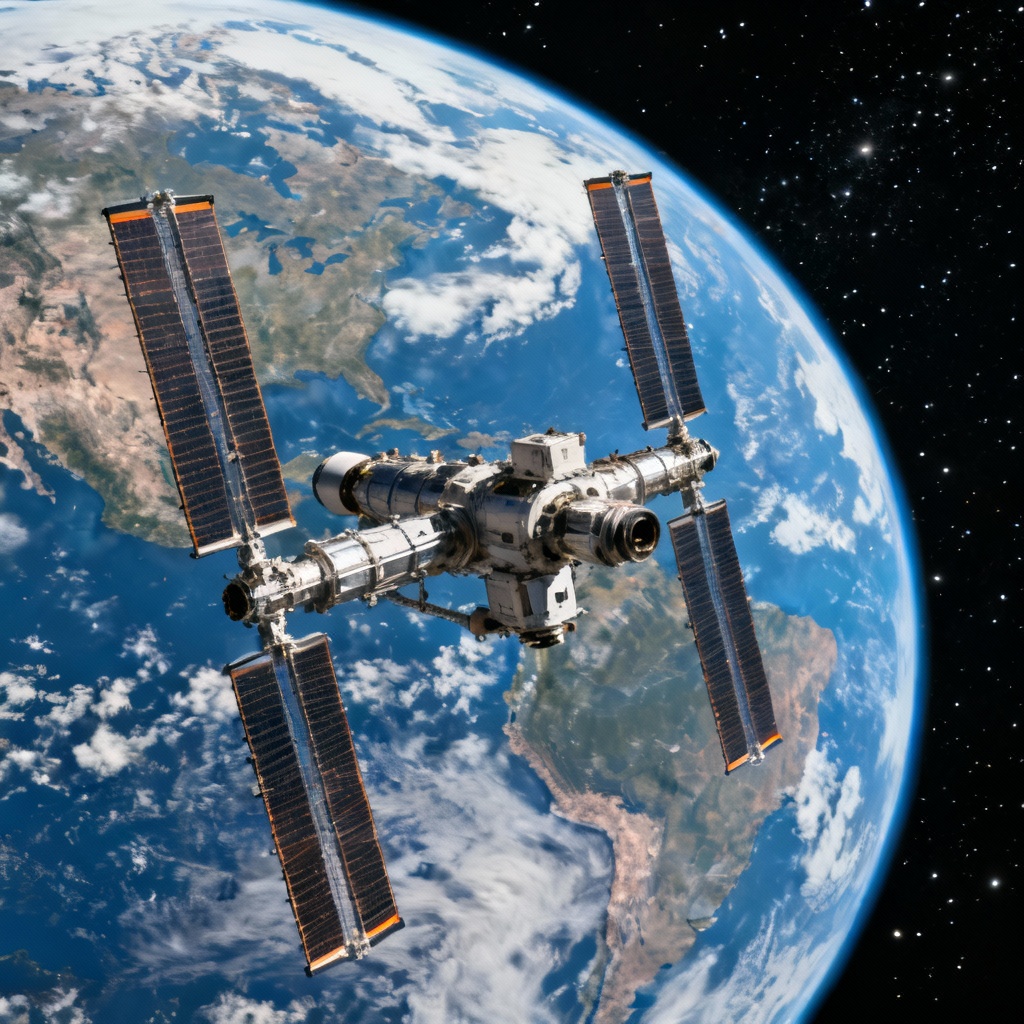
MiniMax H3 Max Text To Video Generator
Turn natural language into cinematic sequences with synchronized audio. MiniMax H3 Max AI understands complex prompts and generates coherent video narratives with film-grade visual quality.
MiniMax H3 Max Image To Video Generator
Animate static images with natural motion while preserving style and identity. MiniMax H3 Max Image To Video brings your photos to life with smooth motion consistency and native audio.
How to Use MiniMax H3 Max AI Video Generator
MiniMax H3 Max AI makes video production fast and intuitive. Create professional videos with text-to-video or image-to-video workflows in seconds.
Step 1
Enter a Prompt or Upload an Image Start by entering a text prompt to generate a video from scratch, or upload an image to create an image-to-video result. MiniMax H3 Max supports both text-to-video and image-to-video generation with strong visual understanding.
Step 2
Adjust Video Parameters Customize your video by adjusting resolution (480P or 768P), duration (5–15 seconds), and aspect ratio. MiniMax H3 Max intelligently applies these settings to ensure fast rendering with high-quality visuals.
Step 3
Generate Your Video Generate your video with native stereo audio in seconds. MiniMax H3 Max renders faster than real time — a 5-second 768p clip in under 3 seconds.
Step 4
Download and Use Once complete, download your MiniMax H3 Max video instantly for use in marketing, social media, storytelling, or commercial projects.
Key Features of MiniMax H3 Max AI Video Generator
- Faster Than Real Time: A 5-second 768p clip renders in under 3 seconds — iterate on prompts the way you iterate on text. MiniMax H3 Max is optimized for speed without sacrificing quality.
- Native Stereo Audio: Every clip ships with synchronized sound, dialogue, and effects — no separate audio pass needed. MiniMax H3 Max generates native stereo audio with every video.
- Reference-Guided Consistency: Lock characters, products, and art direction with up to 9 reference images, 3 videos, and 3 audio clips for character and style consistency across generations.
- Built for Volume: Social-length clips at 480P/768P make MiniMax H3 Max the cheapest tier for batch content production. Generate multiple variations quickly and cost-effectively.
FAQ
Start Creating with MiniMax H3 Max AI Video Generator
Experience the speed of MiniMax H3 Max AI video generation. Create stunning videos with native stereo audio from text or images in seconds.