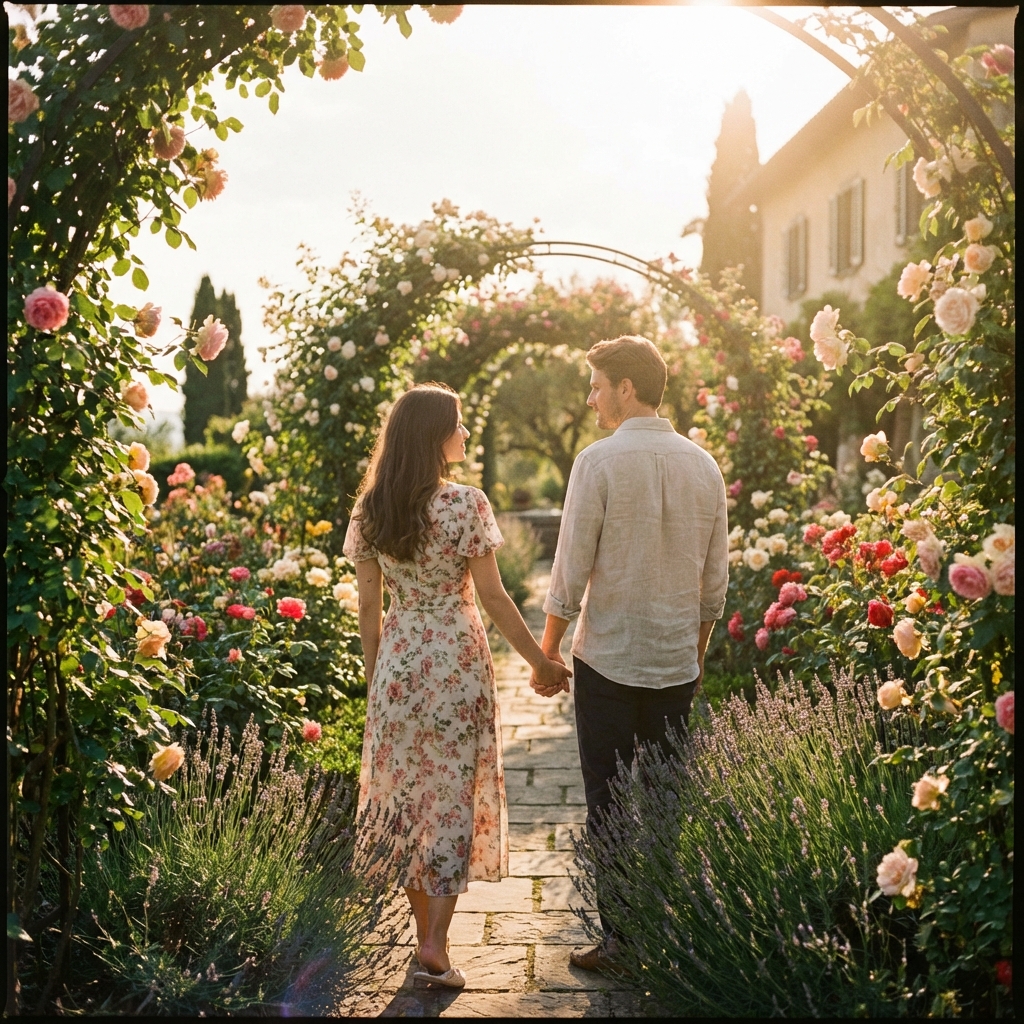
Vidu Image to Video
Upload an image
Click or drag & drop • PNG, JPG, WEBP
101 chars
auto
Credits required
4 credits
Your balance
--
Upload an image
Click or drag & drop • PNG, JPG, WEBP
Credits required
4 credits
Your balance
--
Vidu's advanced AI engine brings your static images to life. Whether it's a portrait, landscape, or artwork, Vidu adds natural motion while preserving the soul of the original image.
Unlock cinematic potential with Vidu. Create smooth, lifelike videos from images with unprecedented control over motion intensity and style.
Waterfalls cascading down from the floating islands into the clouds, mystical birds flying across the screen, gentle camera pan.
Witness the power of Vidu. See how static images transform into living cinematic sequences with professional motion coherence.
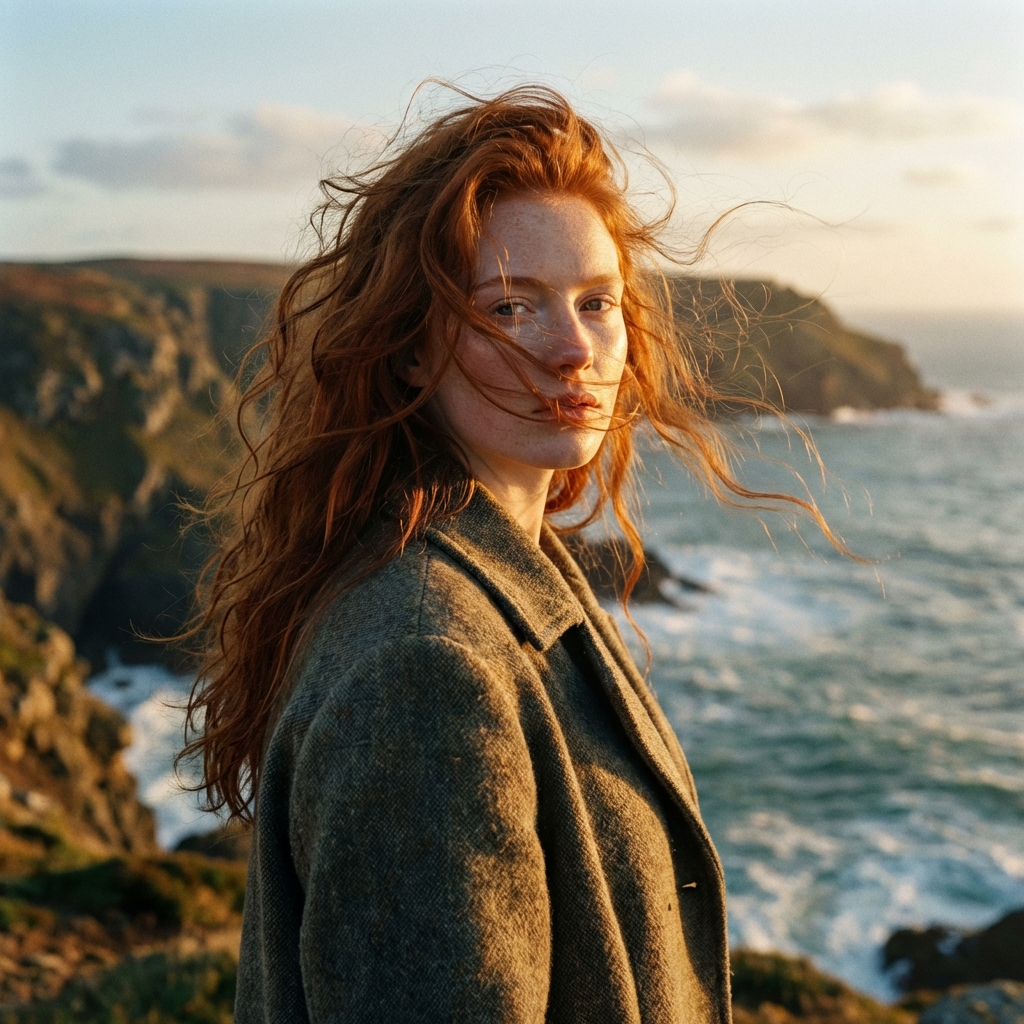
Vidu Prompt
The wind gently blows her long red hair, waves crashing against the rocks in the background, cinematic slow motion.
Loading...
Creating videos with Vidu is simple and powerful. Use Vidu Image to Video to animate your photos with cinematic motion and realistic transitions.
Upload Your Image Select a high-quality image you want to animate. Vidu works best with clear, detailed subjects.
Enter Your Prompt Describe the motion you want to see. For Vidu, mention specific movements (e.g., 'hair flowing in the wind', 'gentle camera pan').
Adjust Motion Amplitude Choose between auto, small, medium, or large movement amplitude to control the intensity of the motion.
Generate Video Click generate and Vidu will process your request, creating a smooth-transition cinematic video in minutes.
Transform your static images into captivating cinematic videos today with Vidu.