Seedream 5.5 — AI Image Generator & Editor
✨Seedream 5.0 Pro
1:1
1K
1 Outputs
Credits required: 1
Sample Image
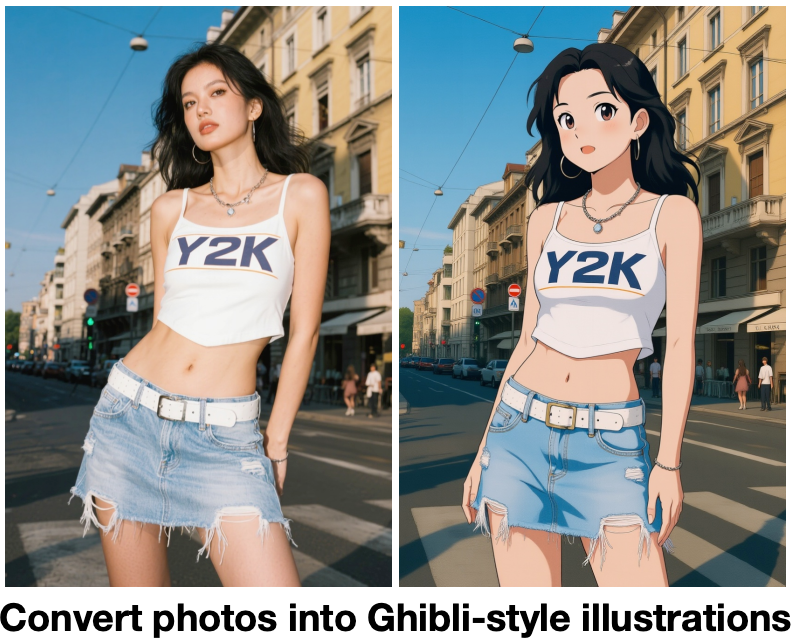
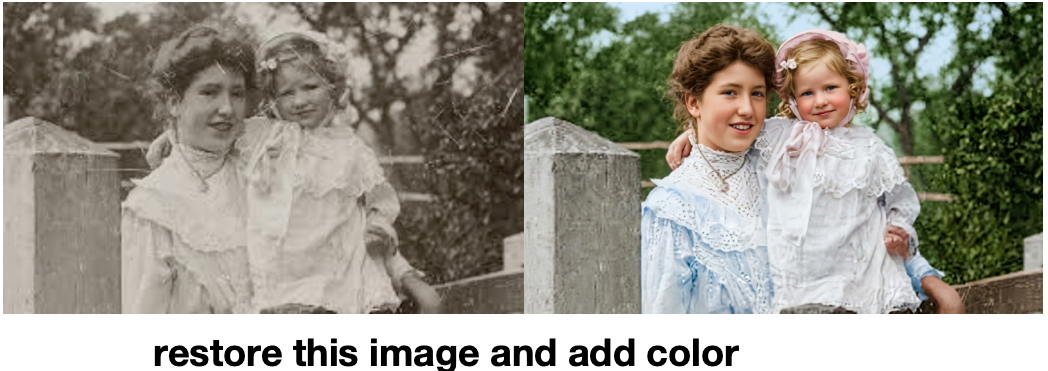
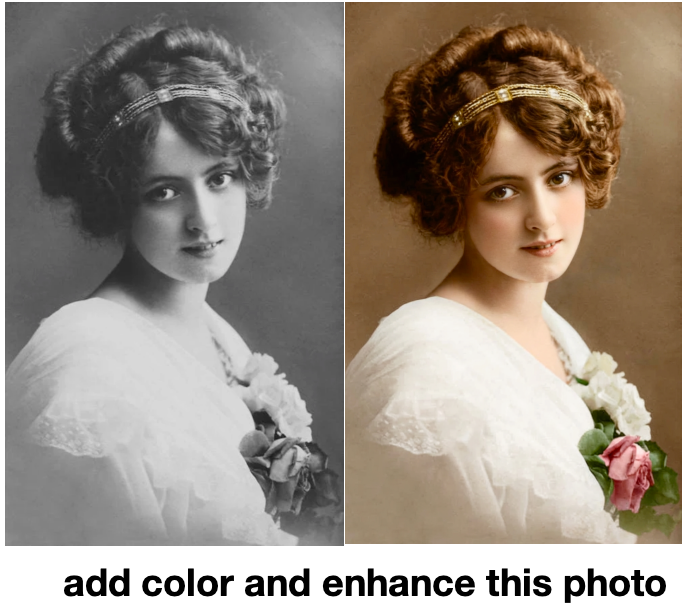
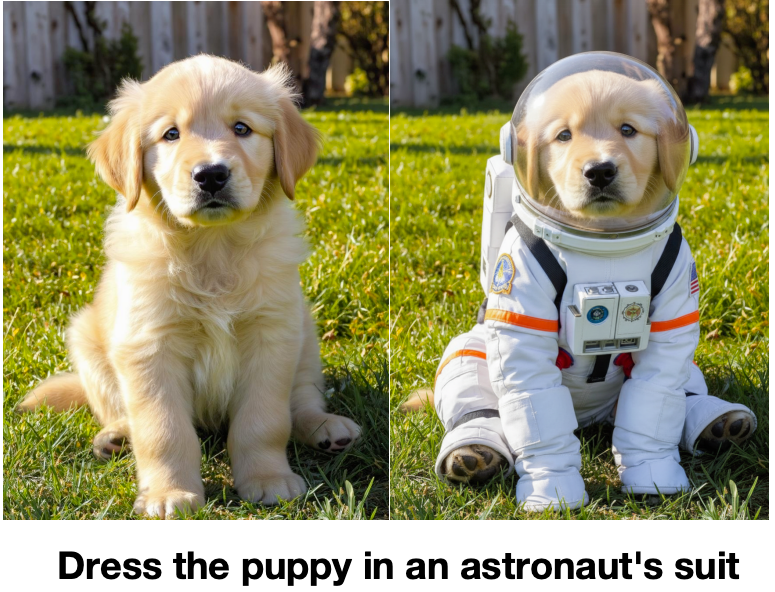
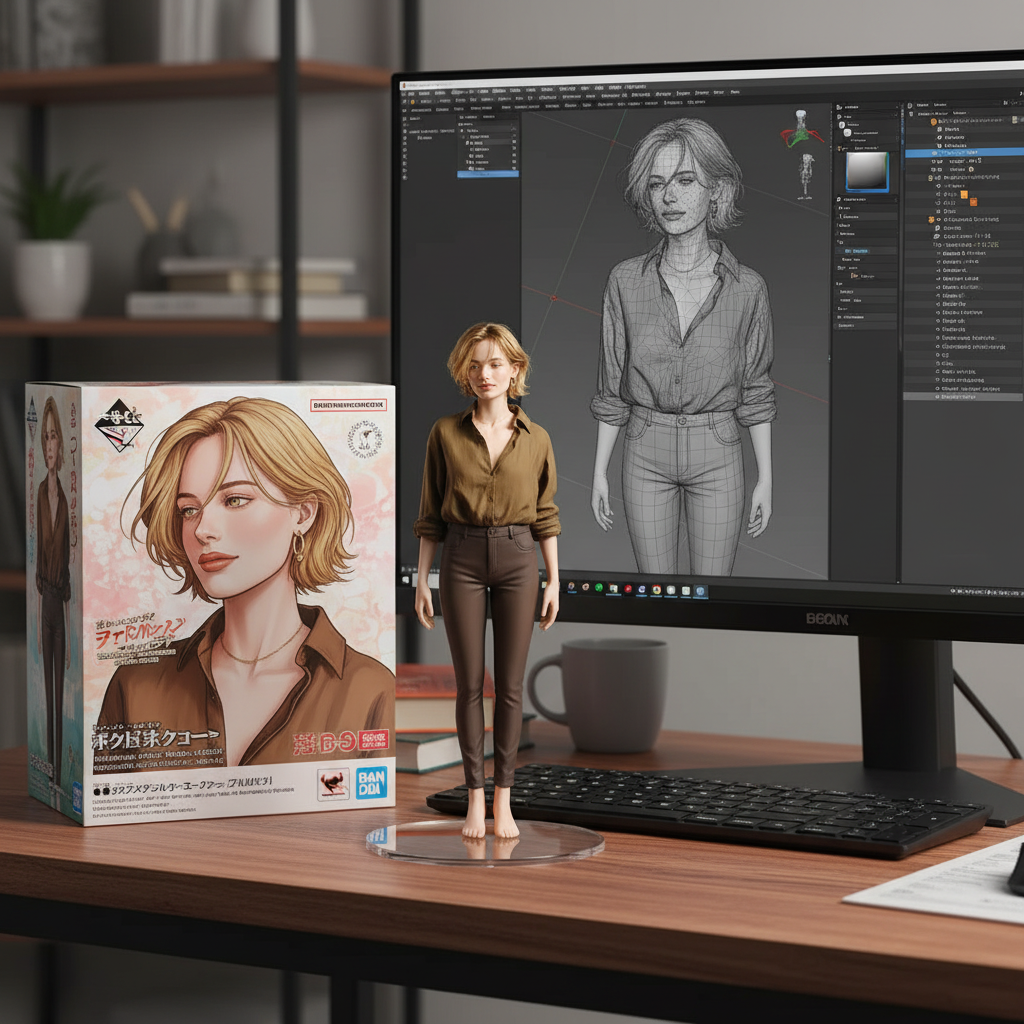
Explore stunning examples created with our AI image generator and editor.
Seedream 5.5 points AI image generation at real design work. Request a transparent background or alpha channel and get stickers, product cutouts, and decorative elements with clean edges and true semi-transparency — ready to drop over any layout. Build recruitment posters, campaign graphics, and product detail pages where headline, copy, and imagery sit in a deliberate hierarchy instead of a collage. For people, Seedream 5.5 aims at lifelike skin texture, believable expressions, and a convincing sense of light, so portraits hold up at full size.
Seedream 5.5 treats a revision as an instruction, not a re-roll. Identify the region or subject, describe the replacement, and state which surrounding elements should stay consistent — then keep iterating: adjust the garment, refine its fabric, revisit the background. The preview also introduces intelligent lighting, with a draggable 3D light sphere, brightness and color controls, and hard or soft light options that let you shape the mood of a scene without redoing the brief. It is the edit-first workflow designers have been asking AI image tools for.
Seedream 5.5 is built around one idea: give the model a clear visual brief, then refine it in focused rounds instead of starting over. Set the composition first, then describe materials, lighting, and any exact wording you need in your design.
Write a clear visual brief Describe the canvas, layout regions, and subject placement. Put any exact wording — headlines, wordmarks, supporting lines — in quotation marks, and assign each reference image a role such as subject, palette, or composition.
Pick a size & resolution Choose an aspect ratio from 1:1 to 16:9 and select 1K or 2K resolution. Wider formats leave room for two-column poster layouts, while square and portrait ratios fit social posts and product cards.
Generate, refine, and export Generate the image, then make targeted revisions: change one garment, swap a material, or redirect the light while everything else stays consistent. Export your finished design for ads, social media, or layered compositing.
Practice the Seedream 5.5 workflow today: write a precise brief, assign your references, refine in targeted rounds, and light the scene on purpose. When Seedream 5.5 lands, you will already speak its language.