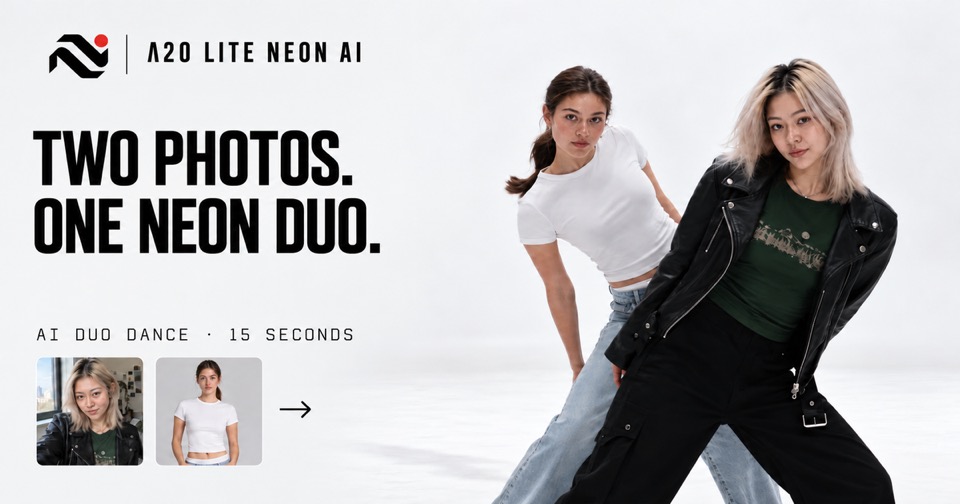
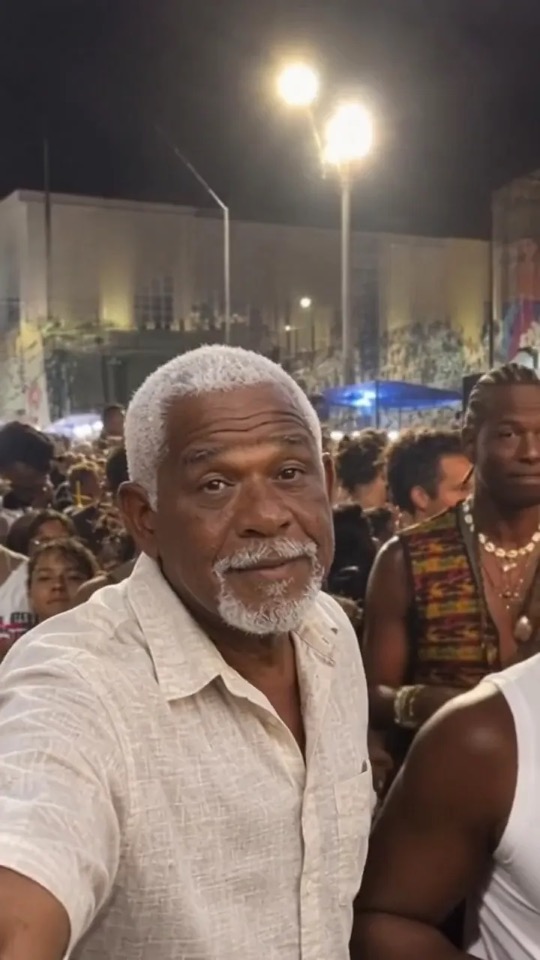
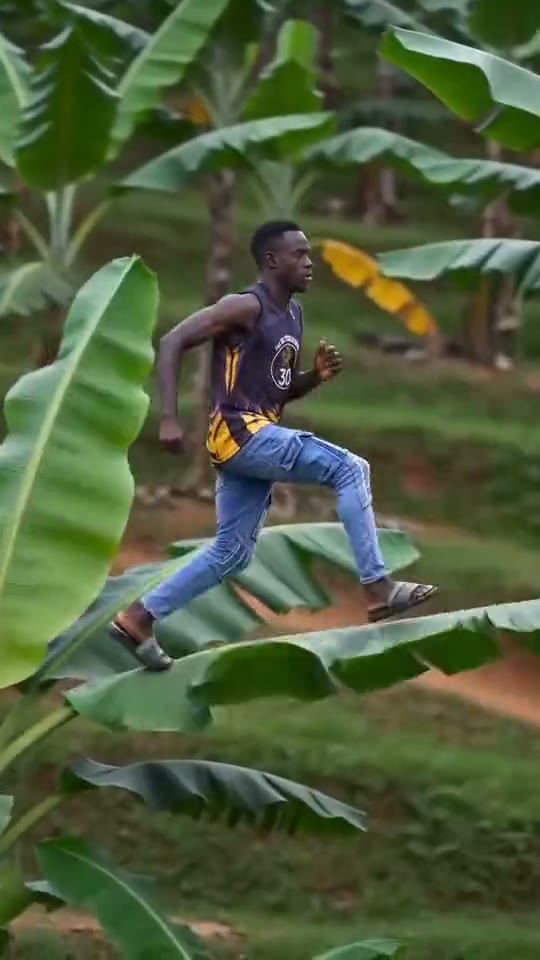
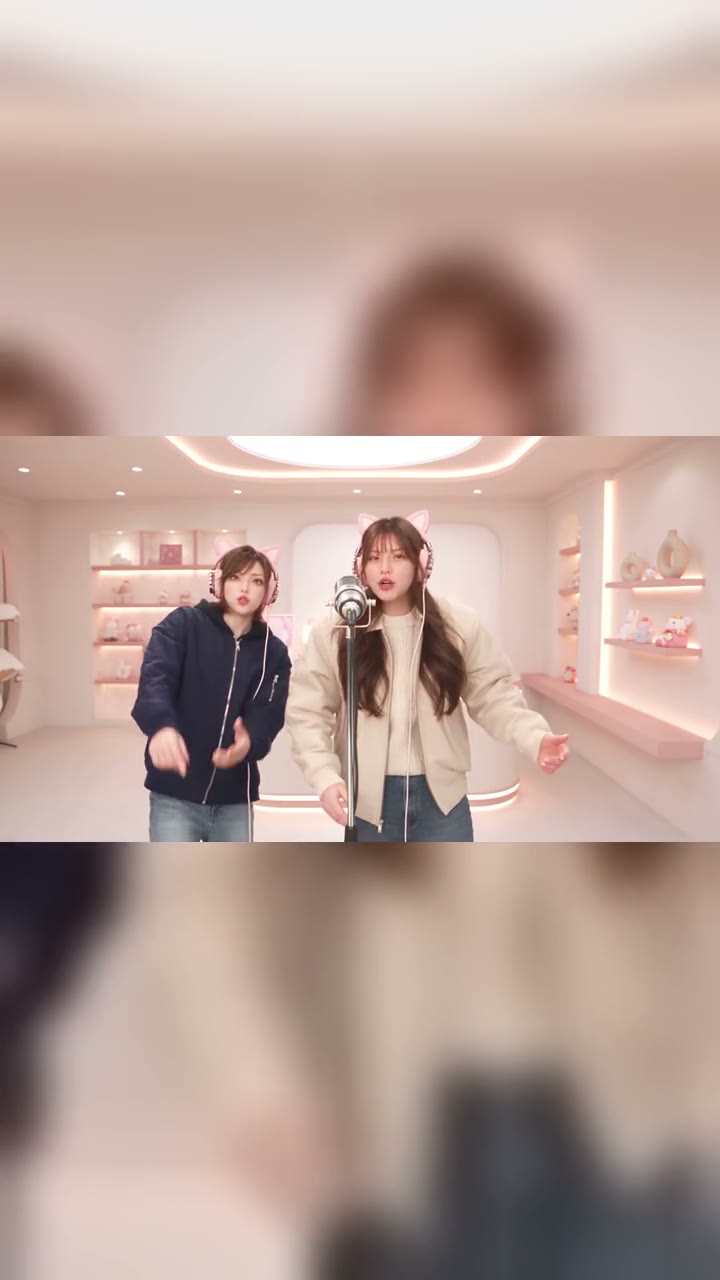
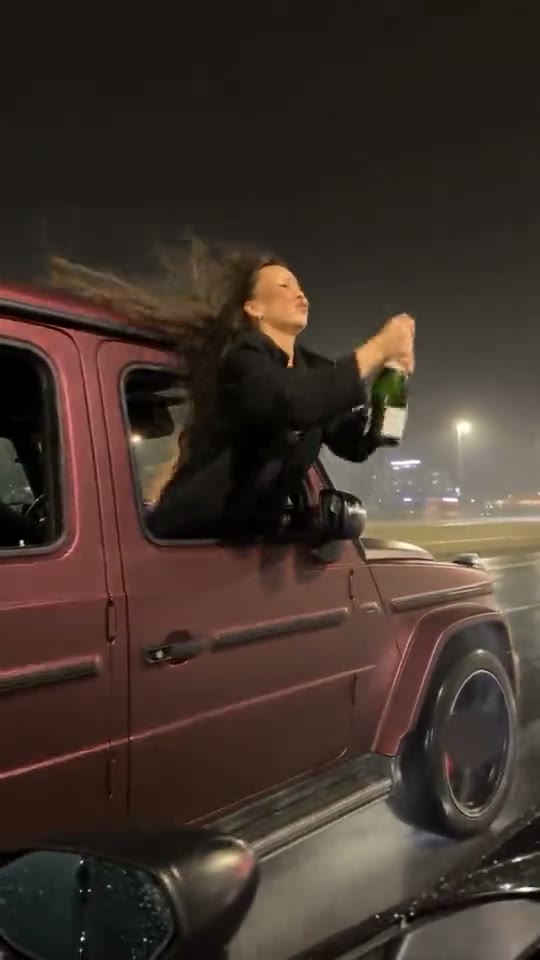
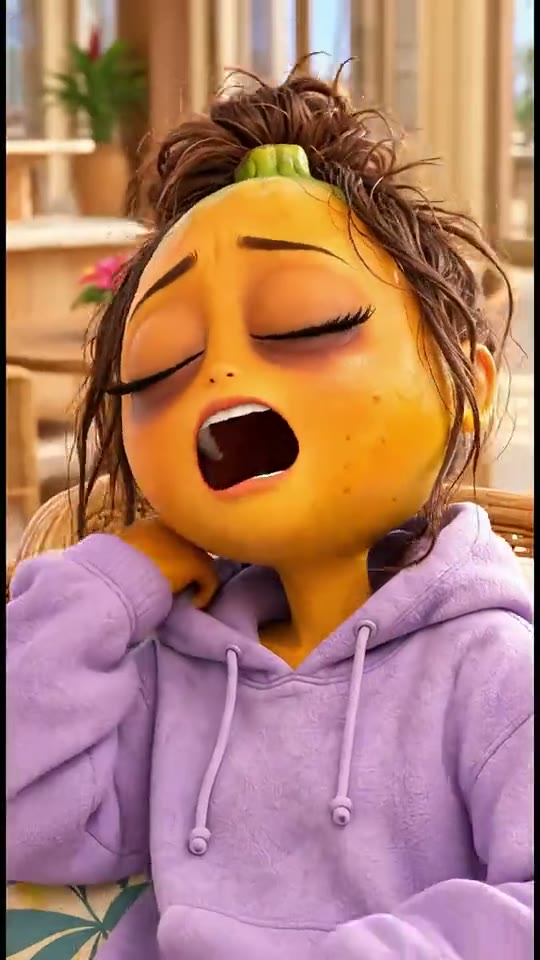
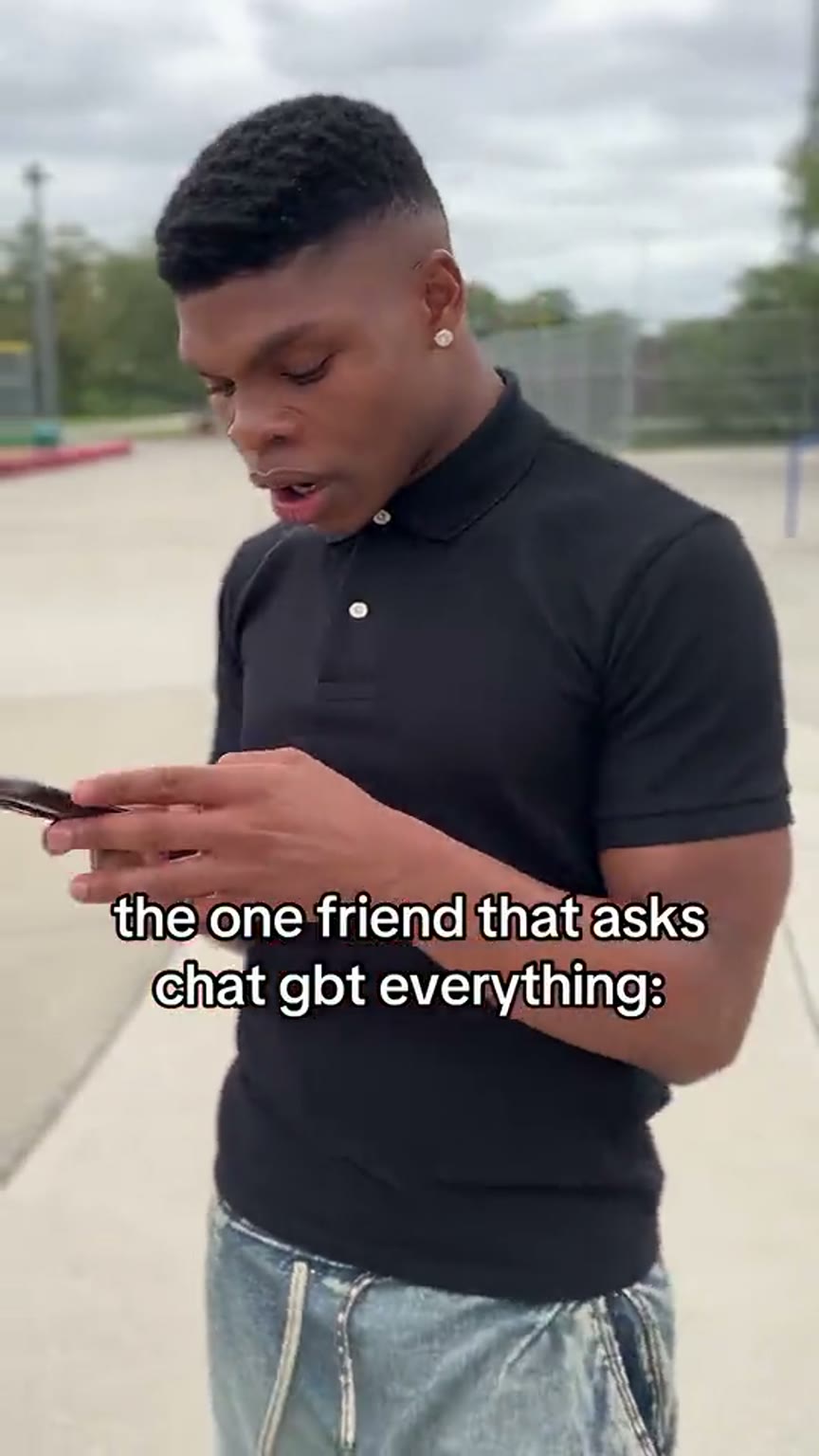
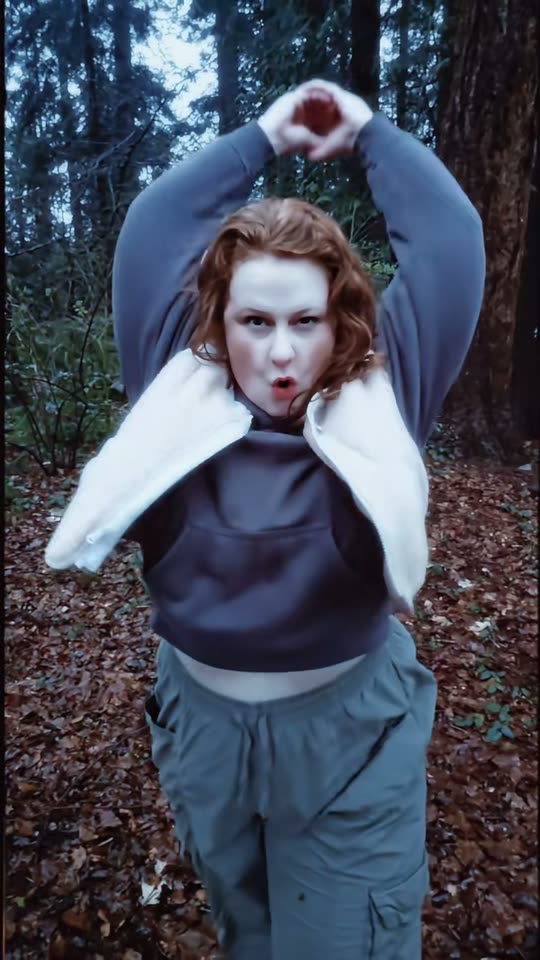
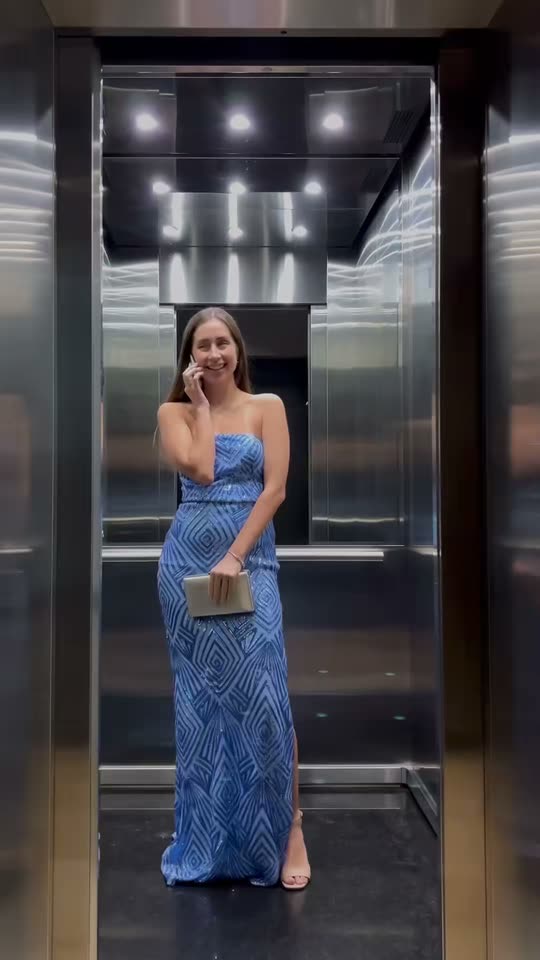
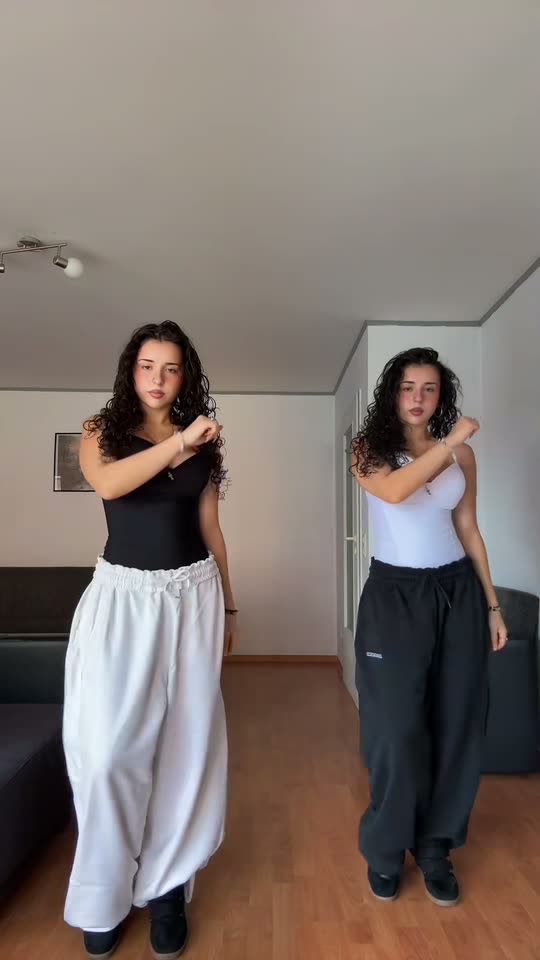
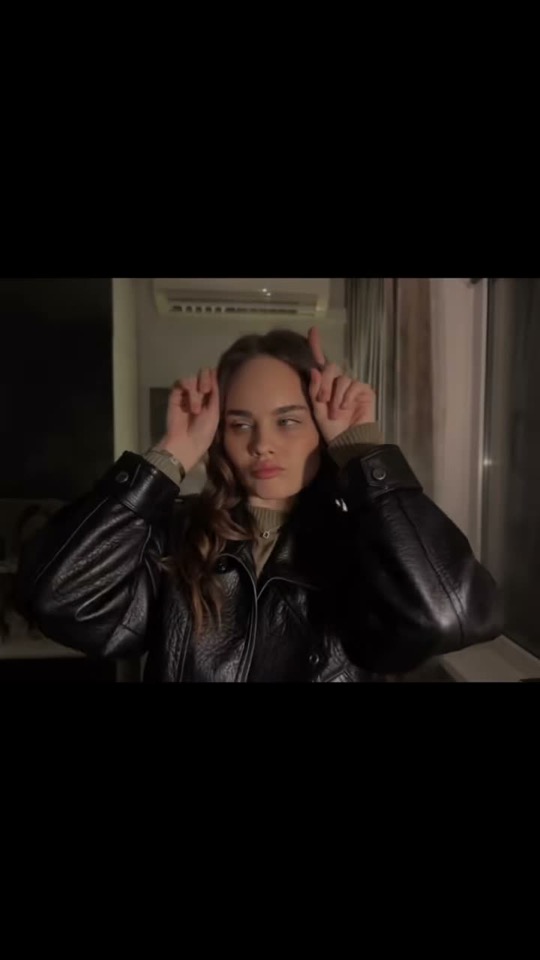
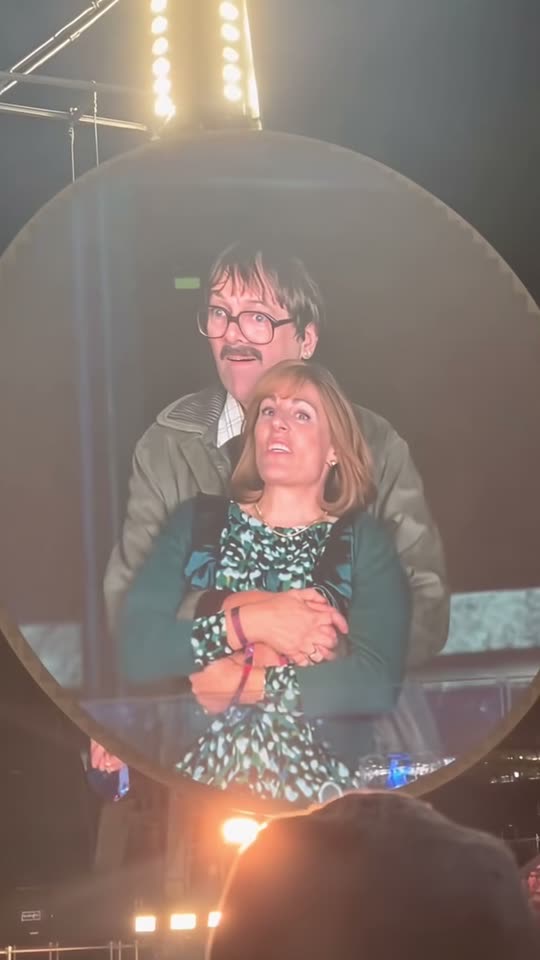
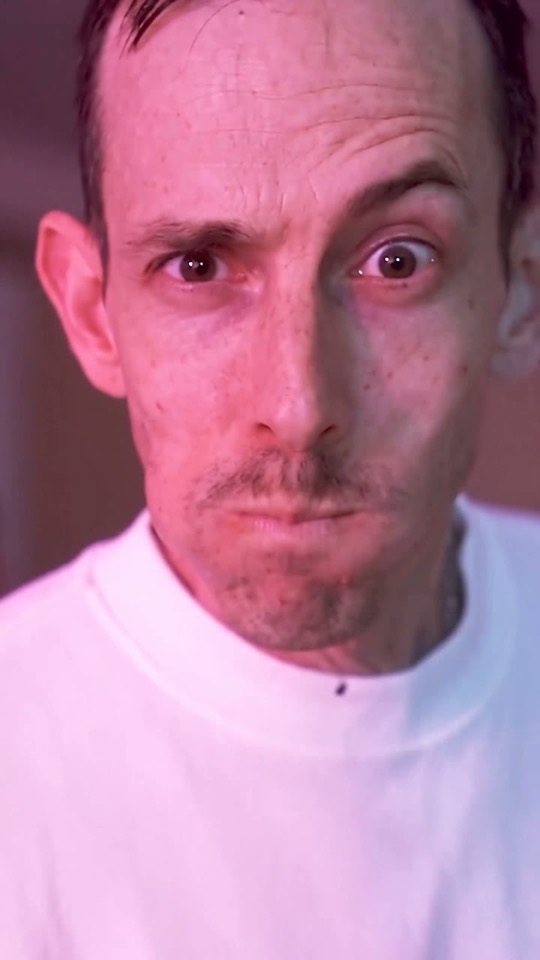
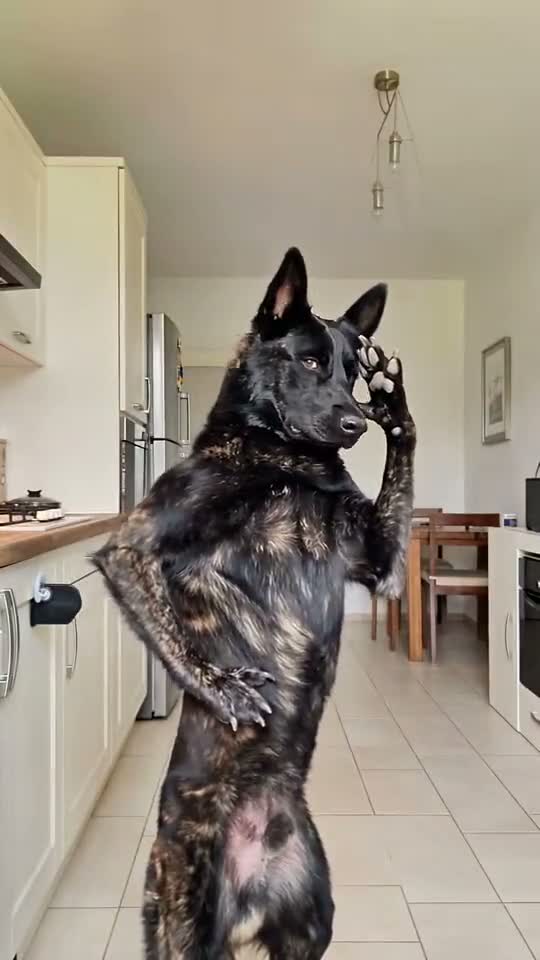
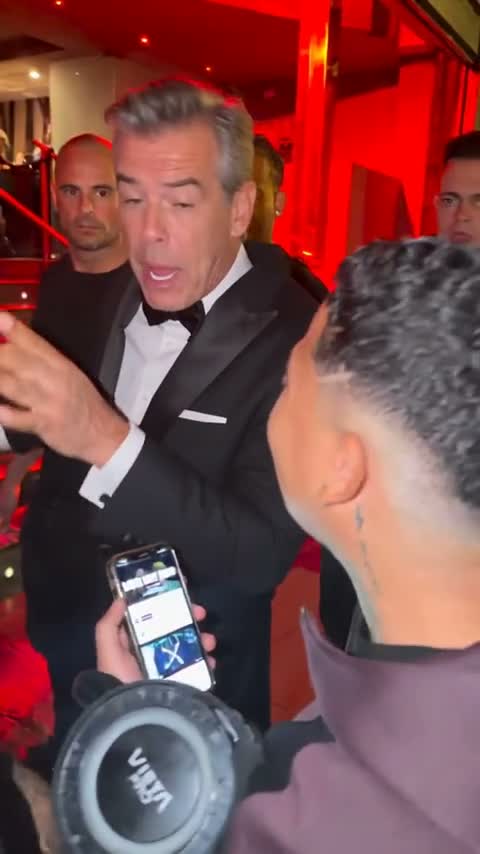
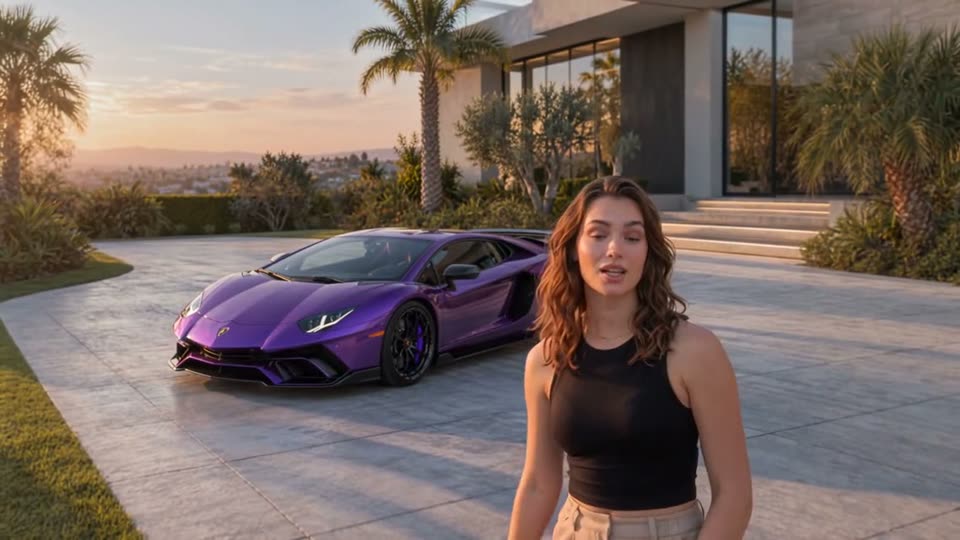
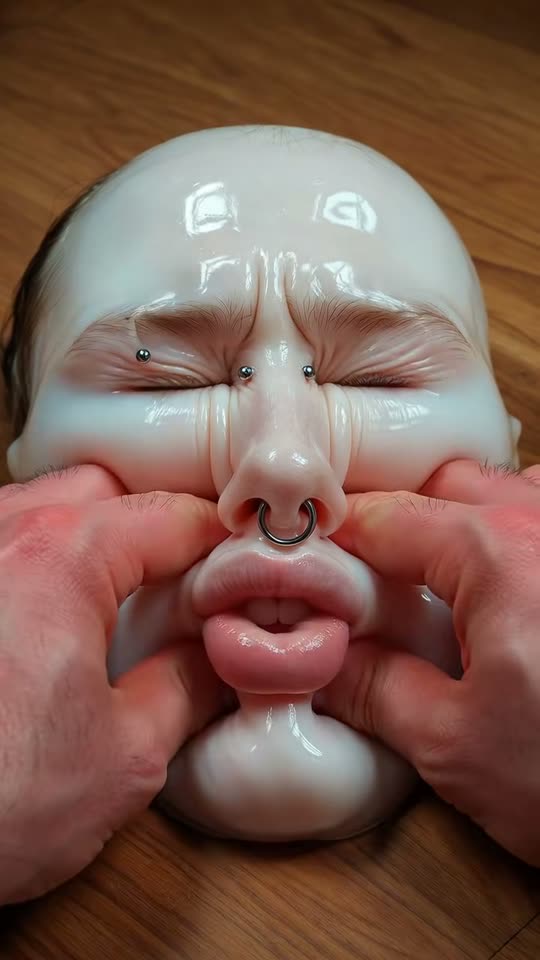
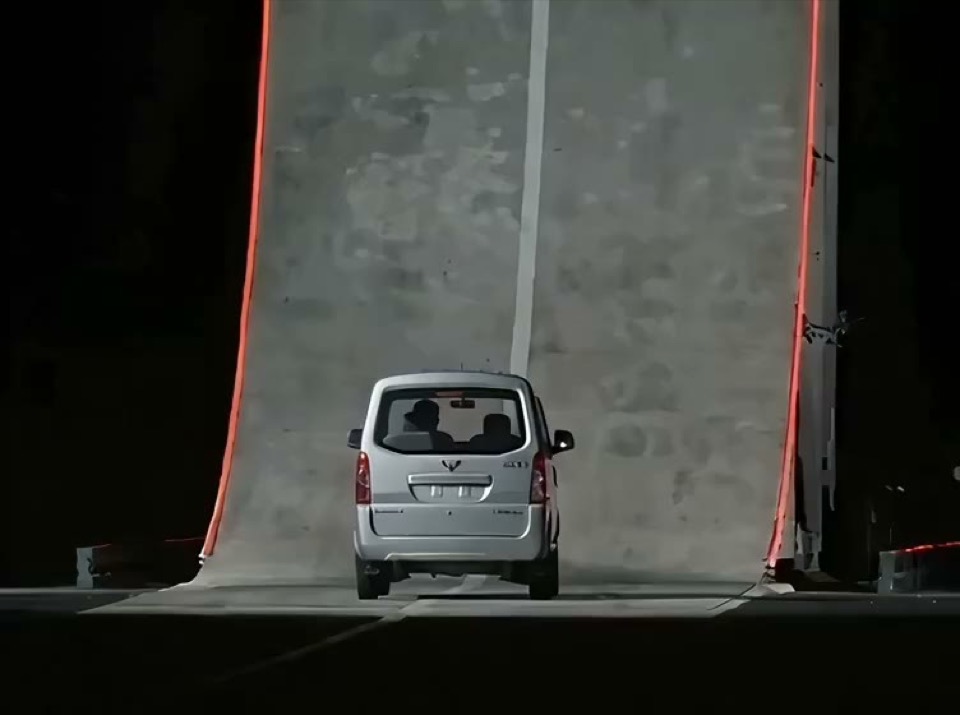
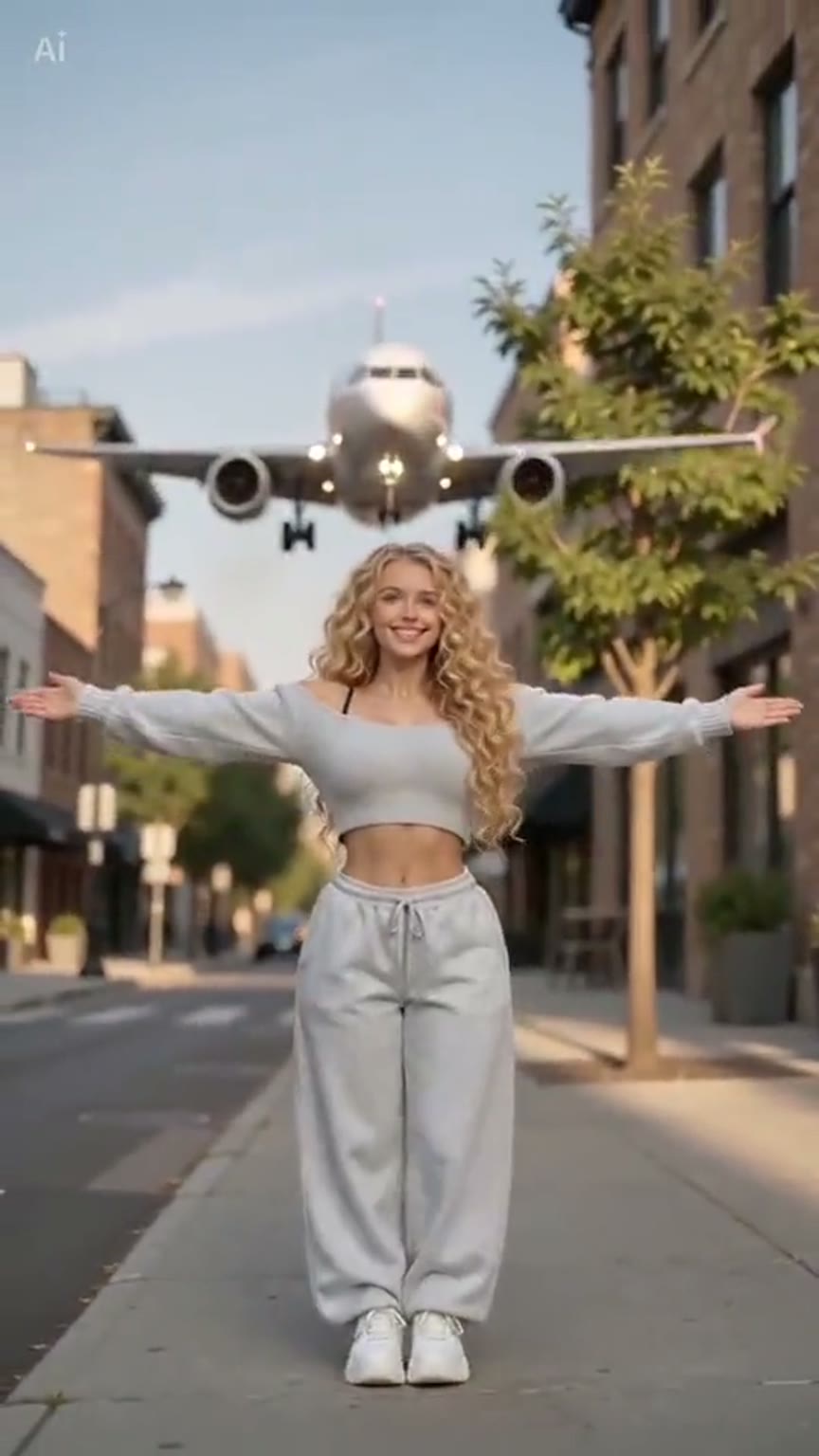
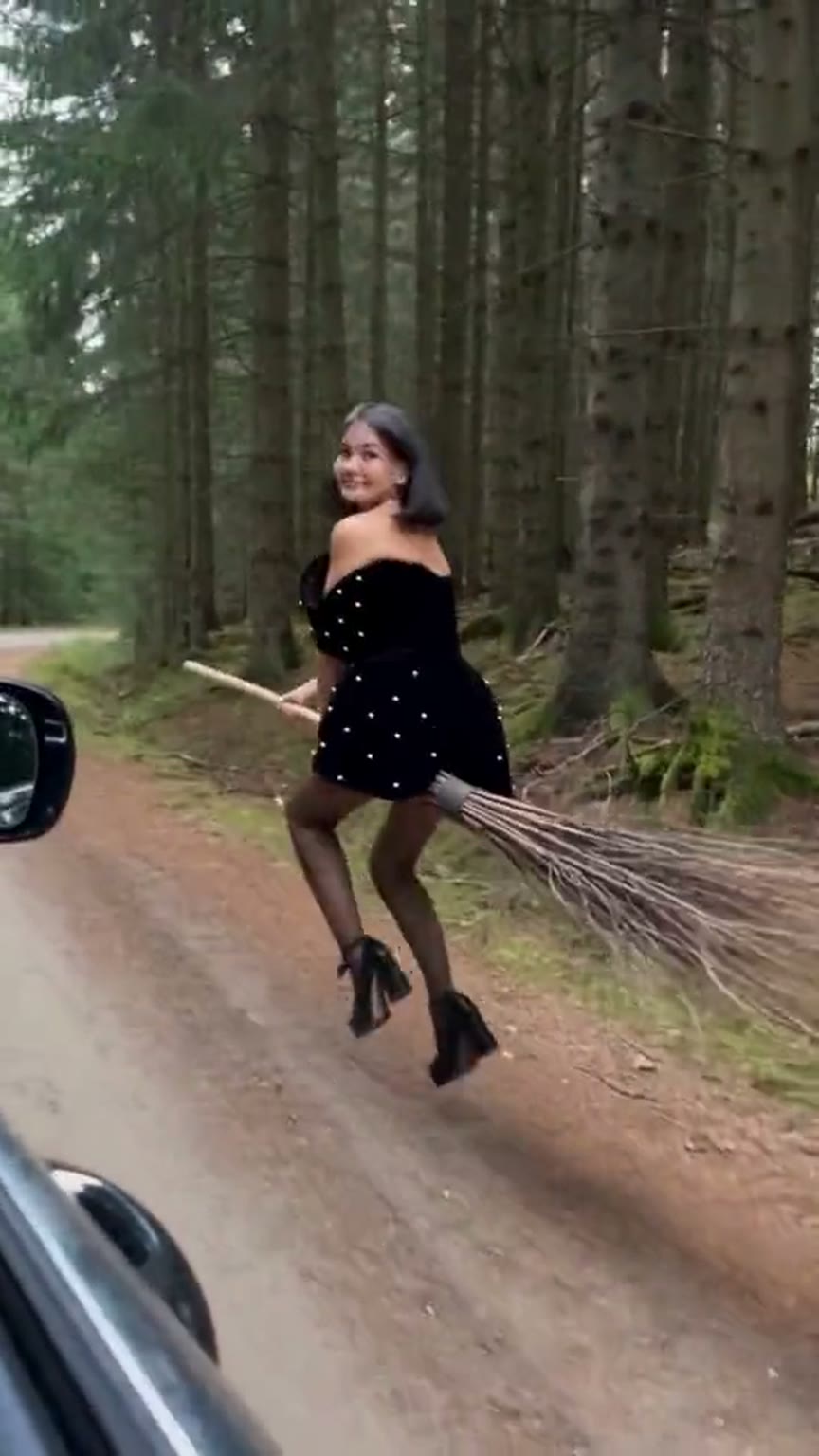
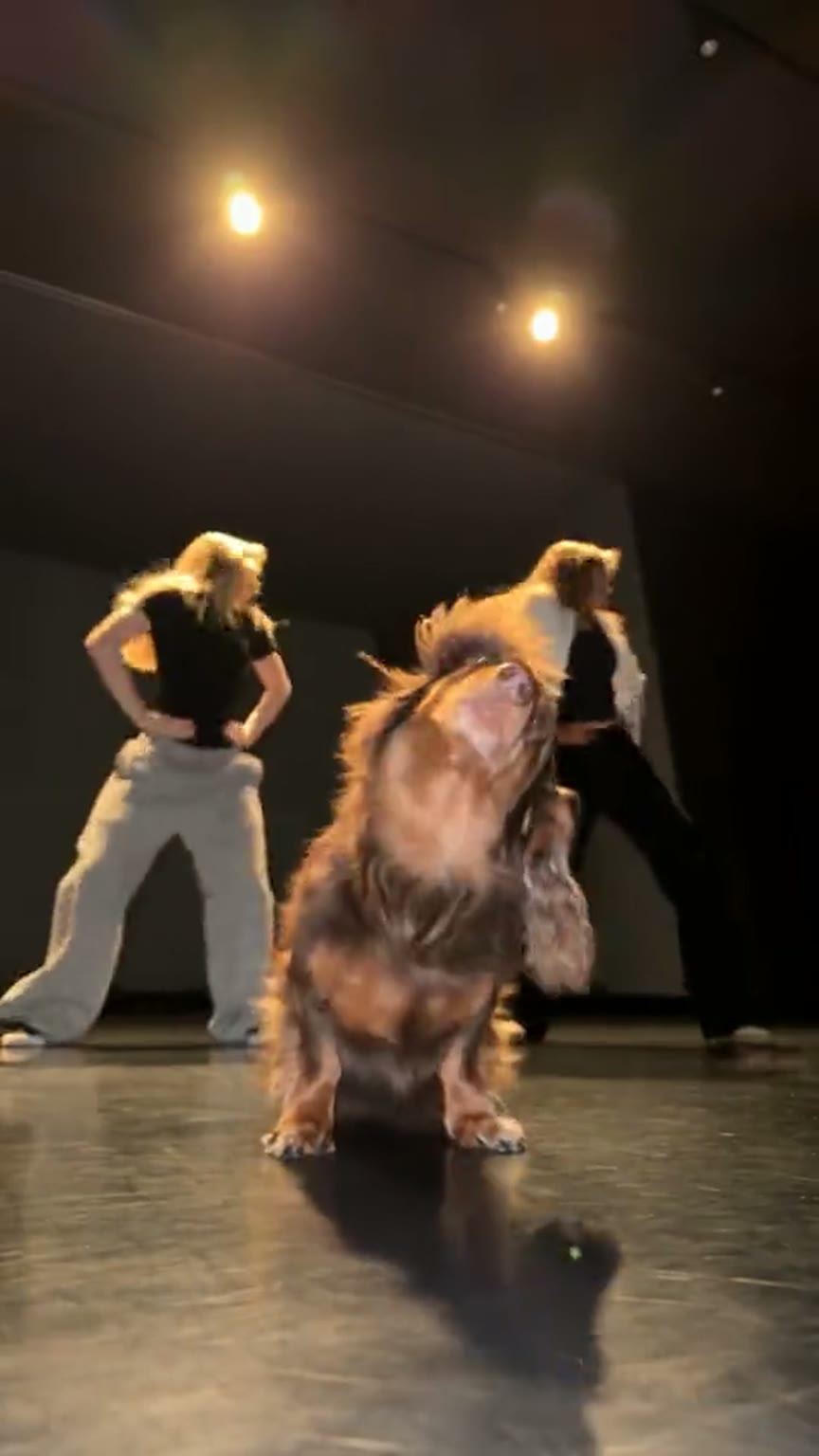
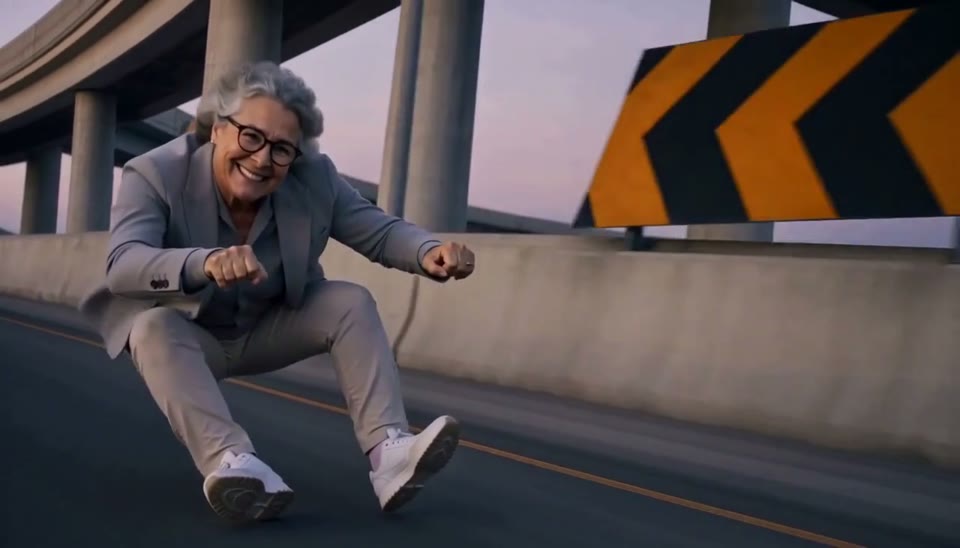
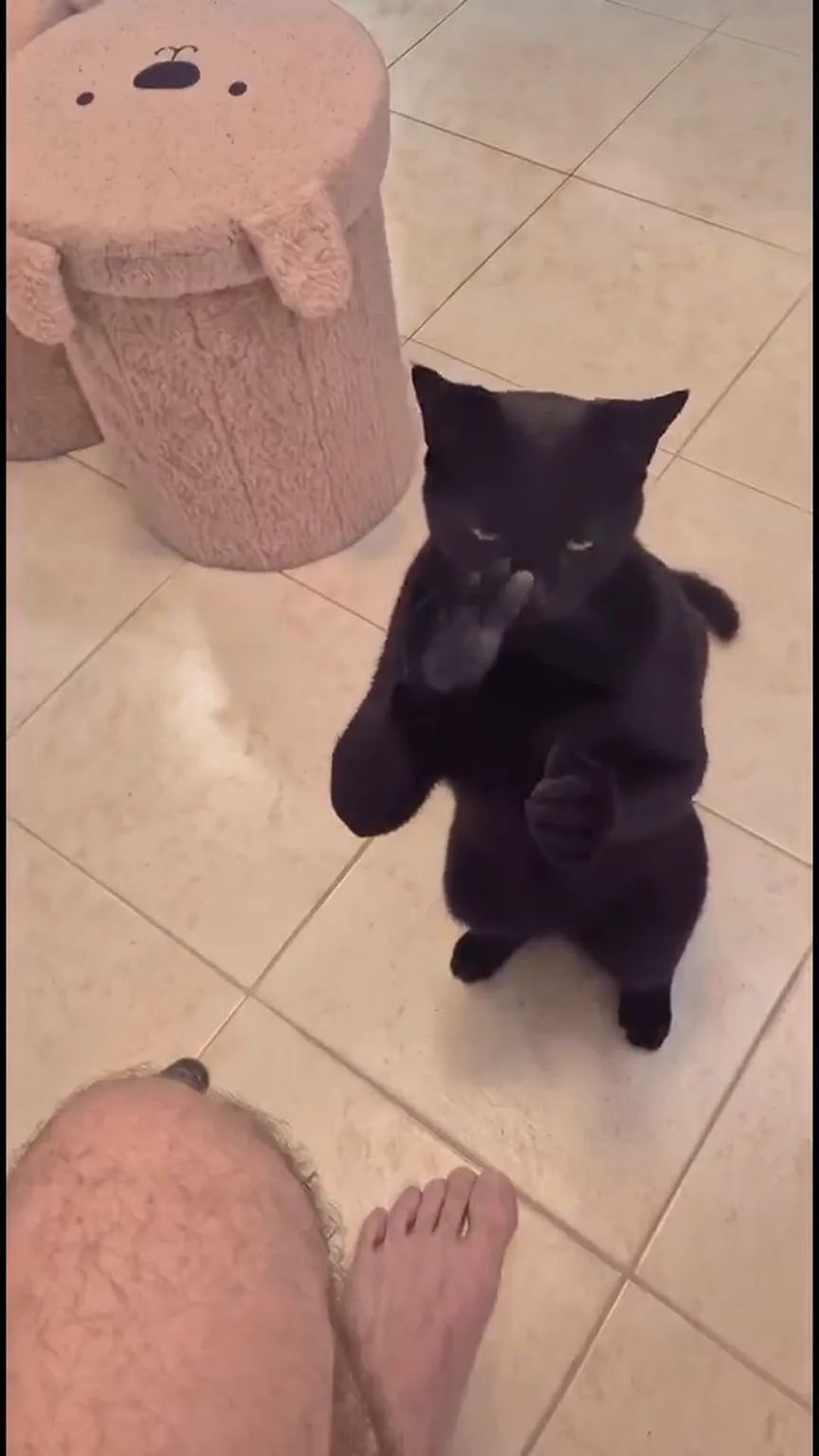
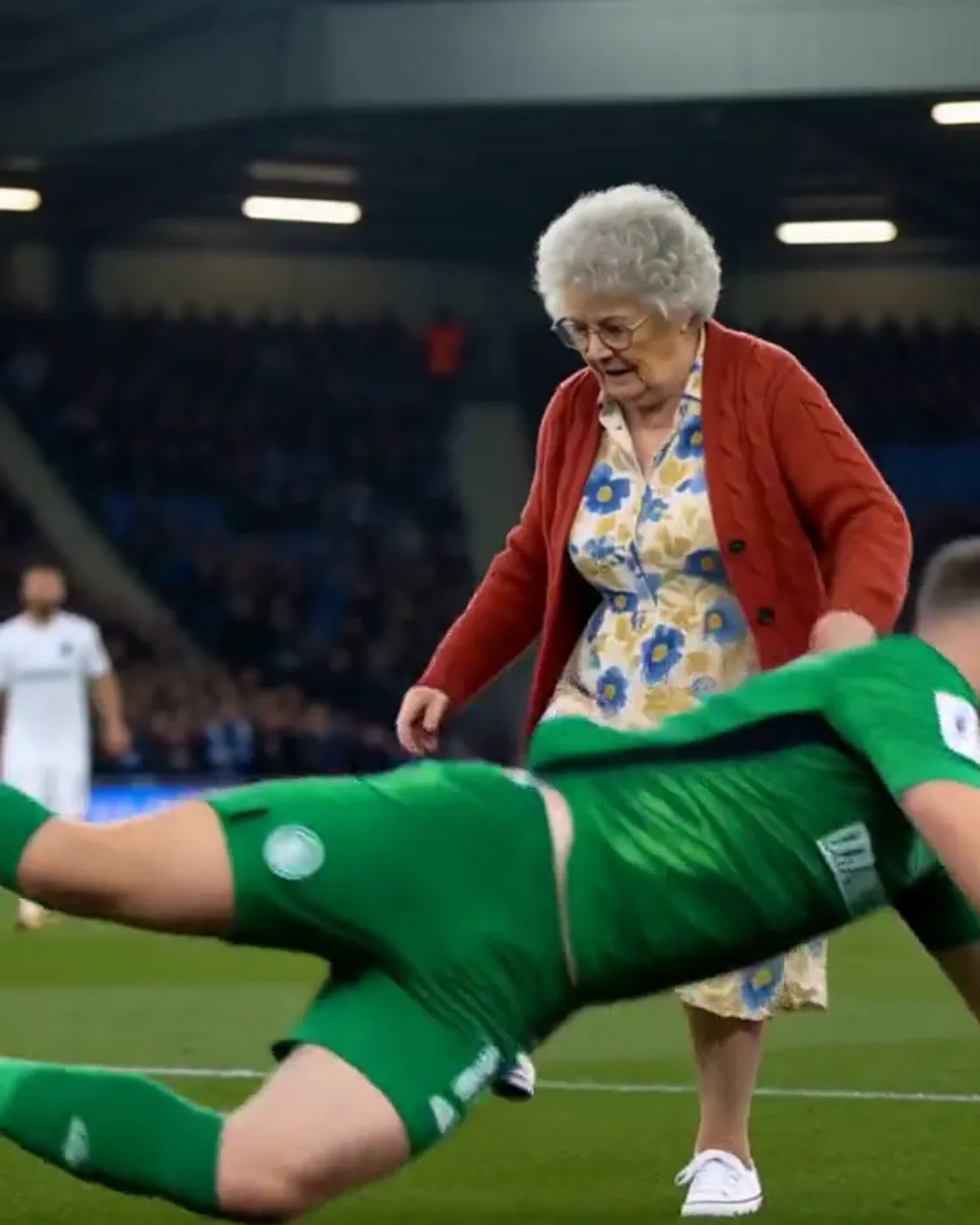
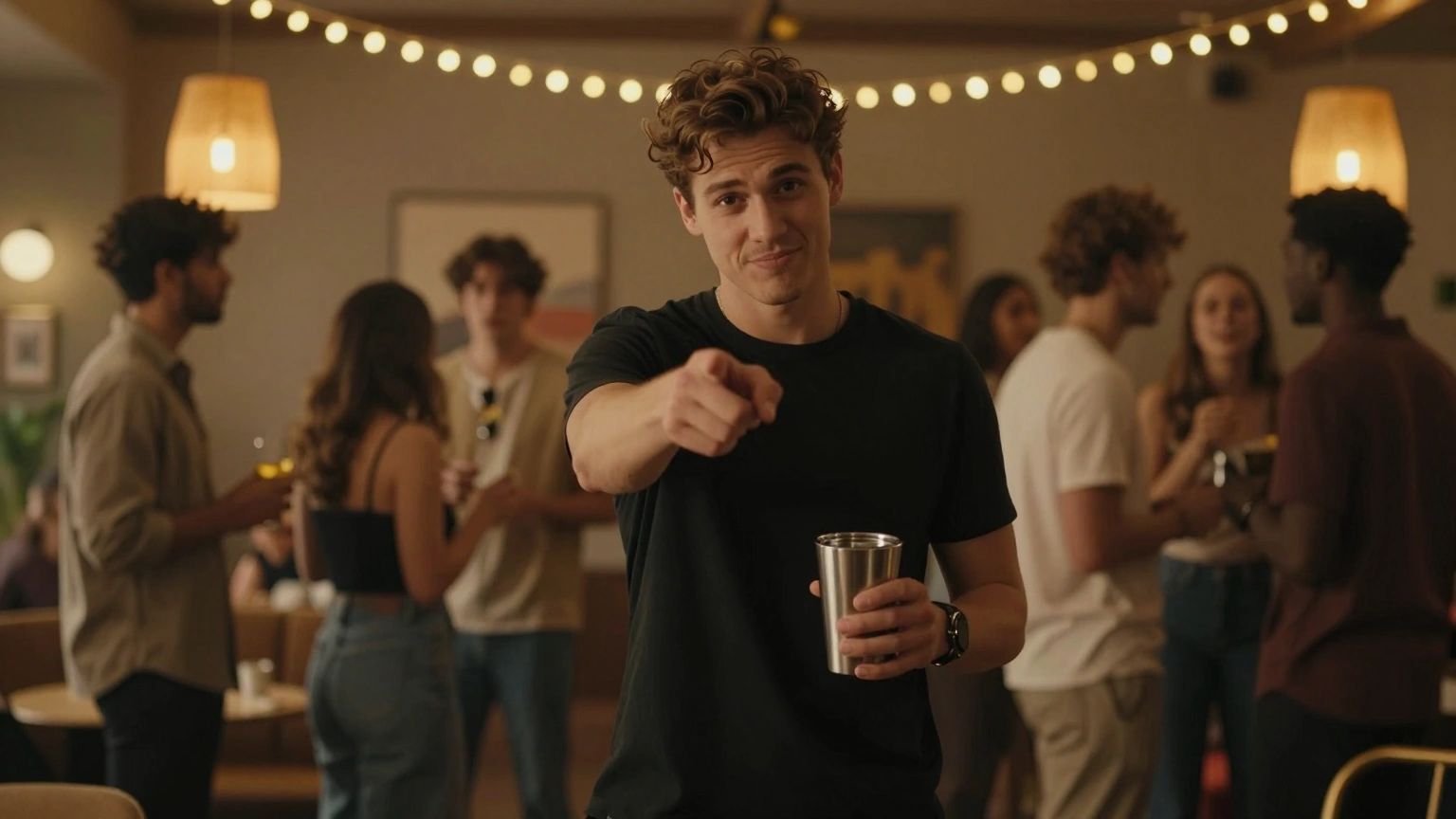
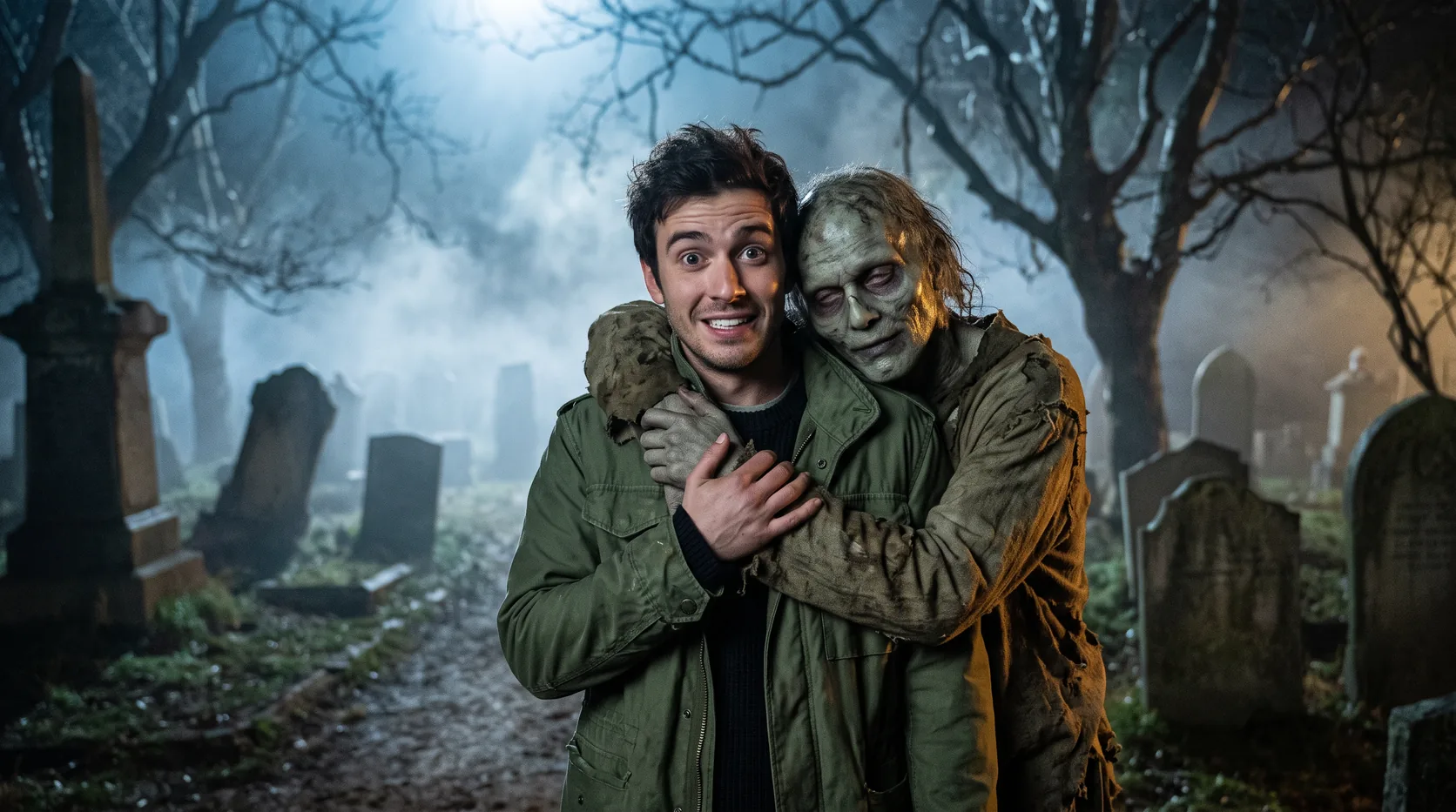
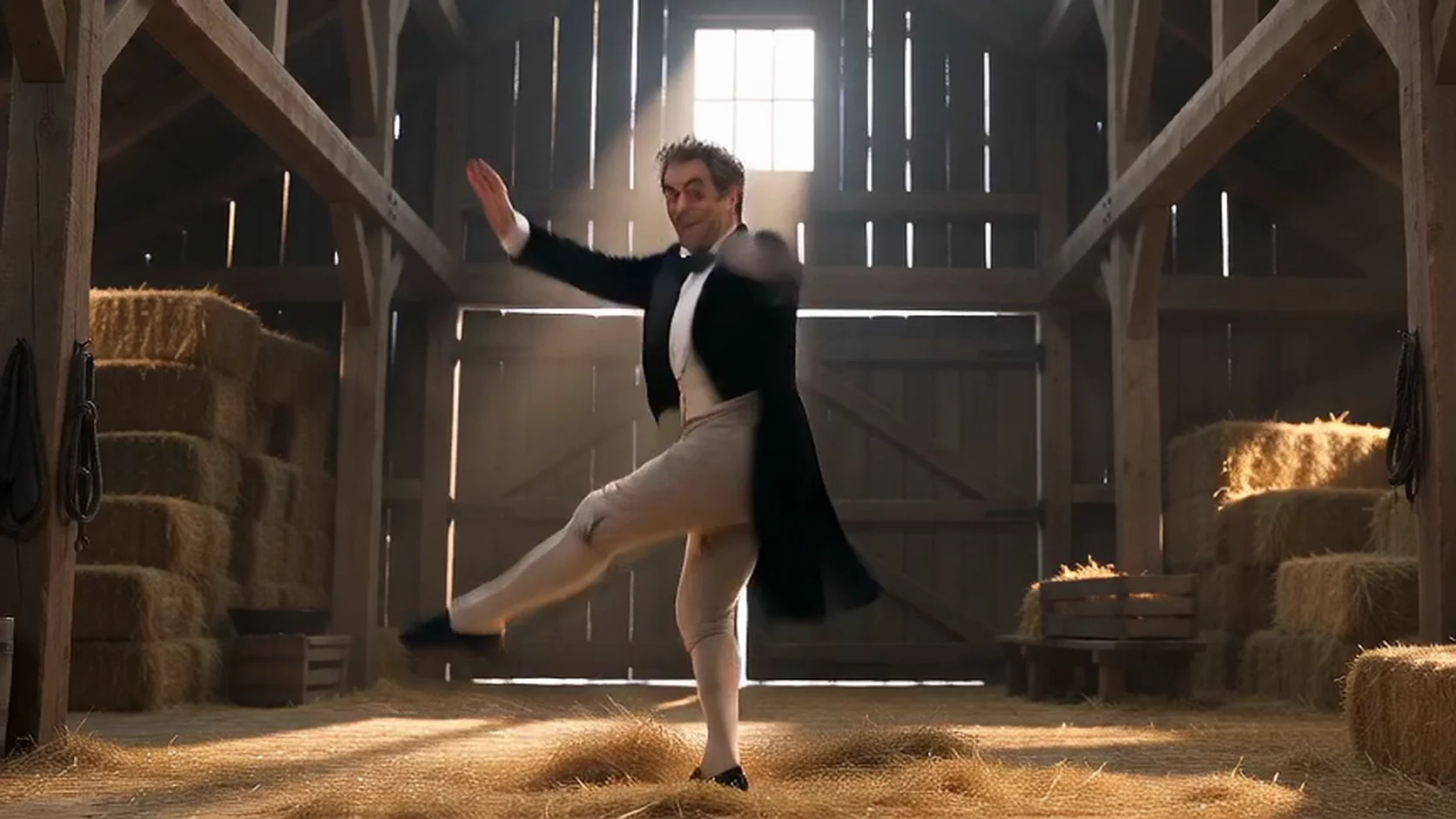
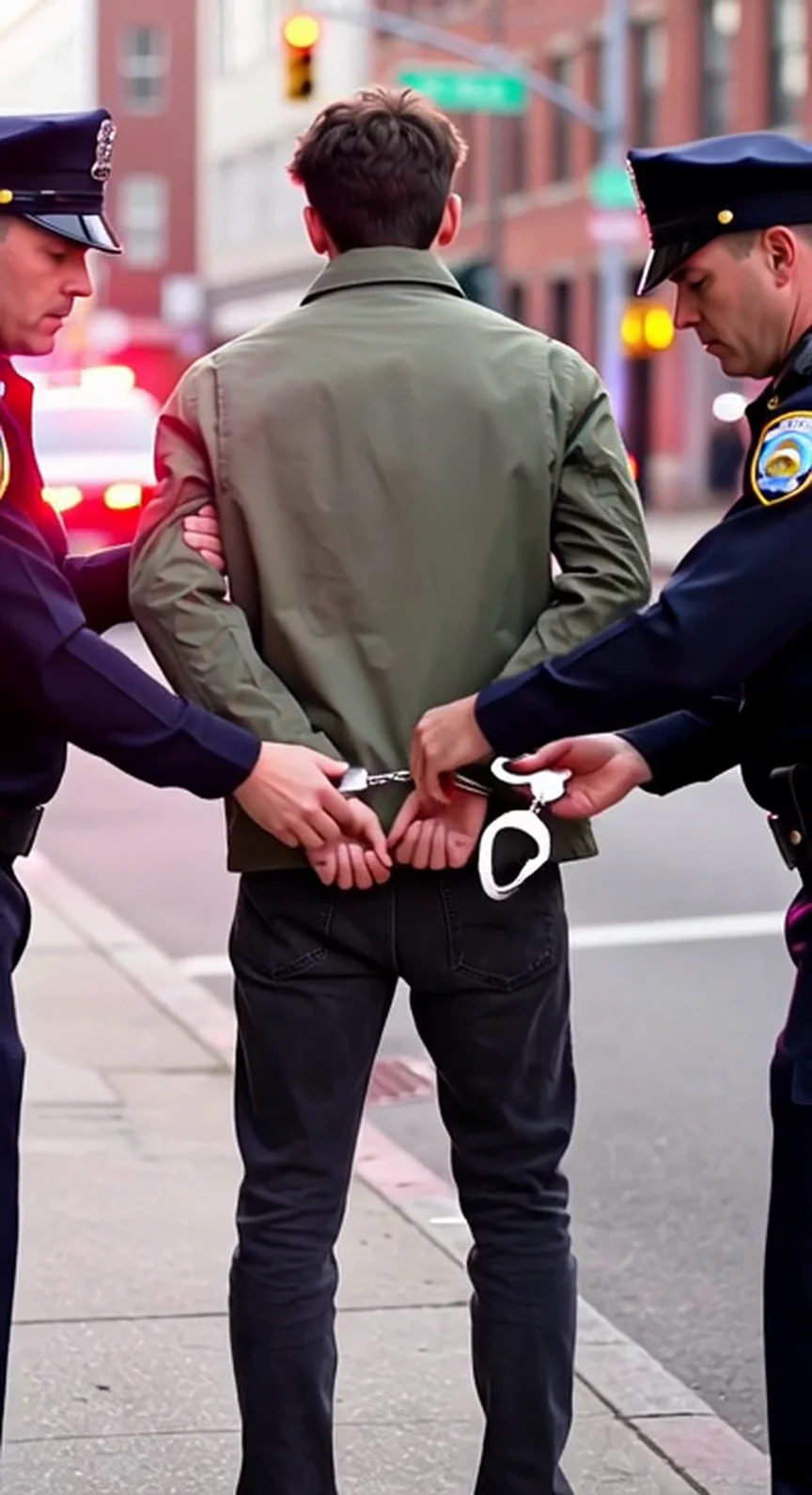
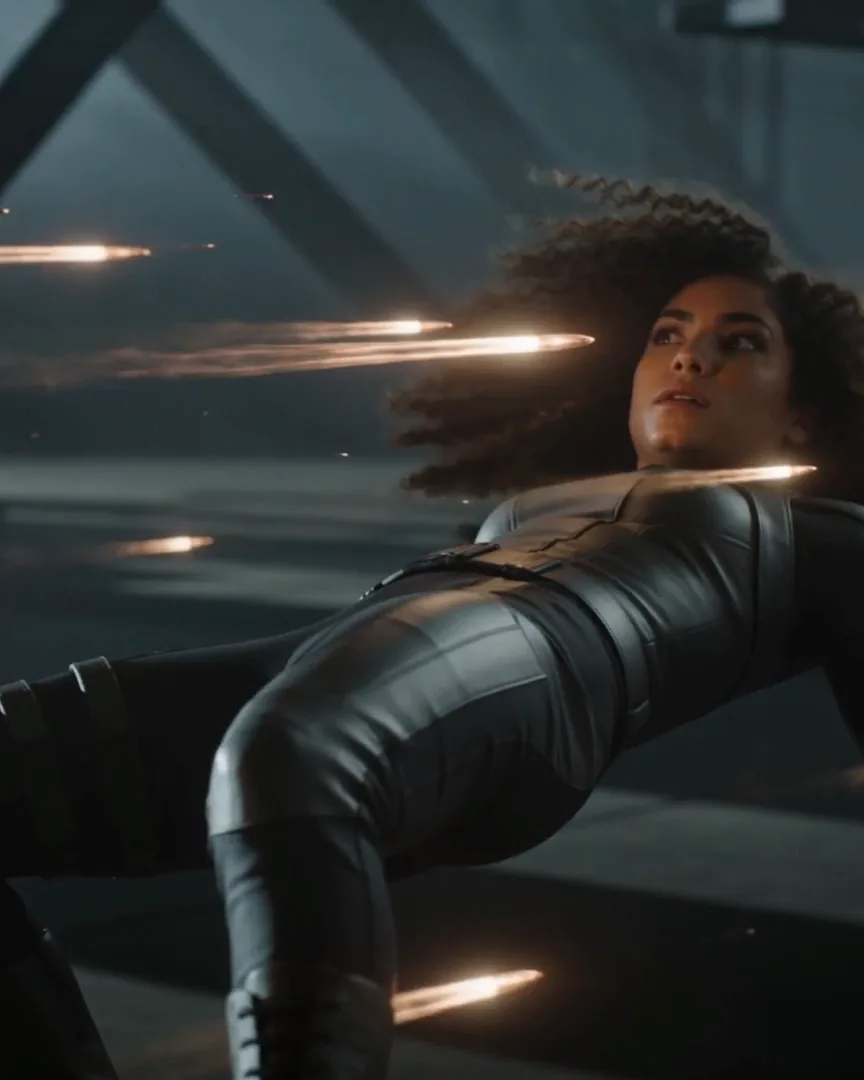
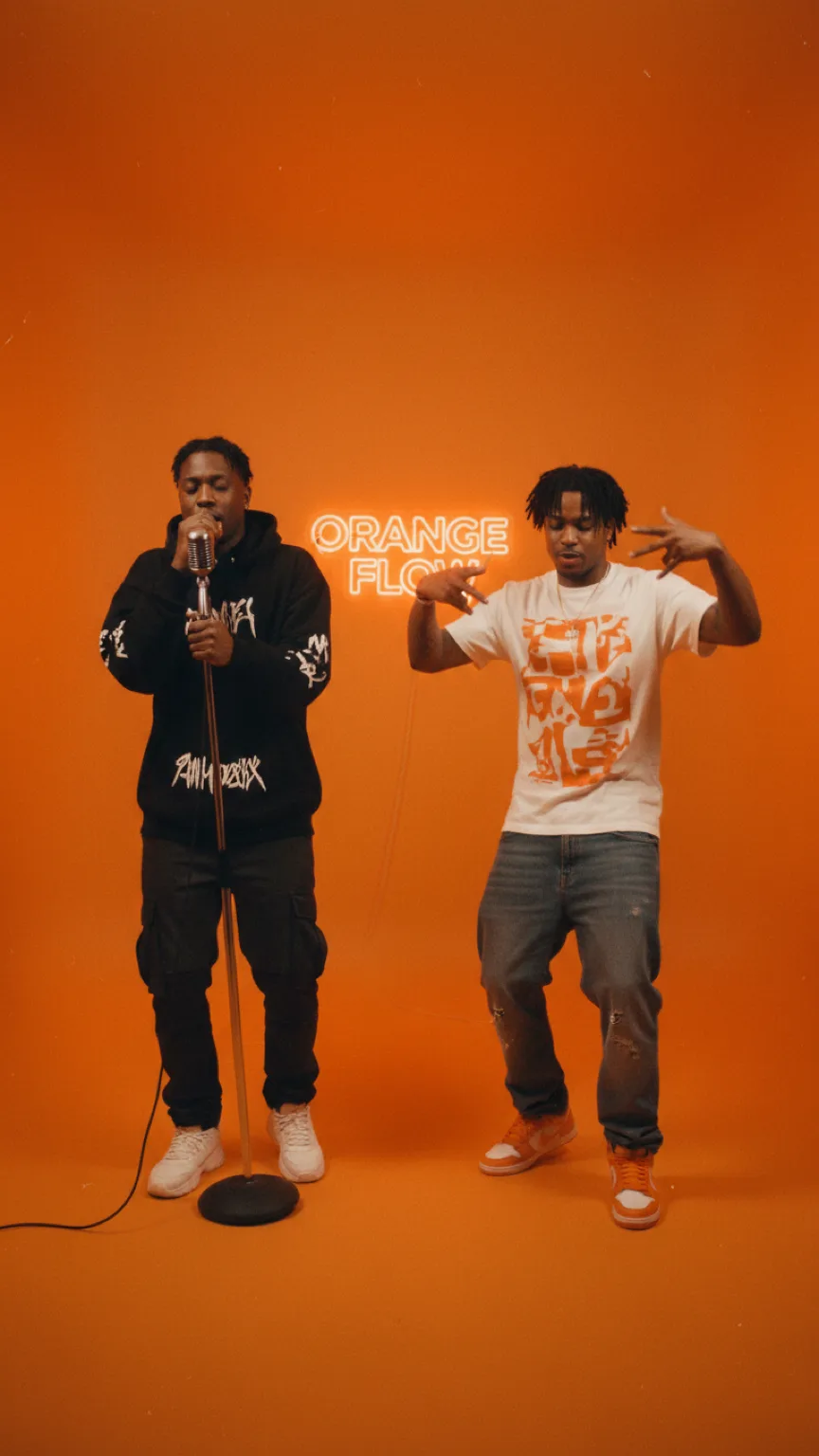
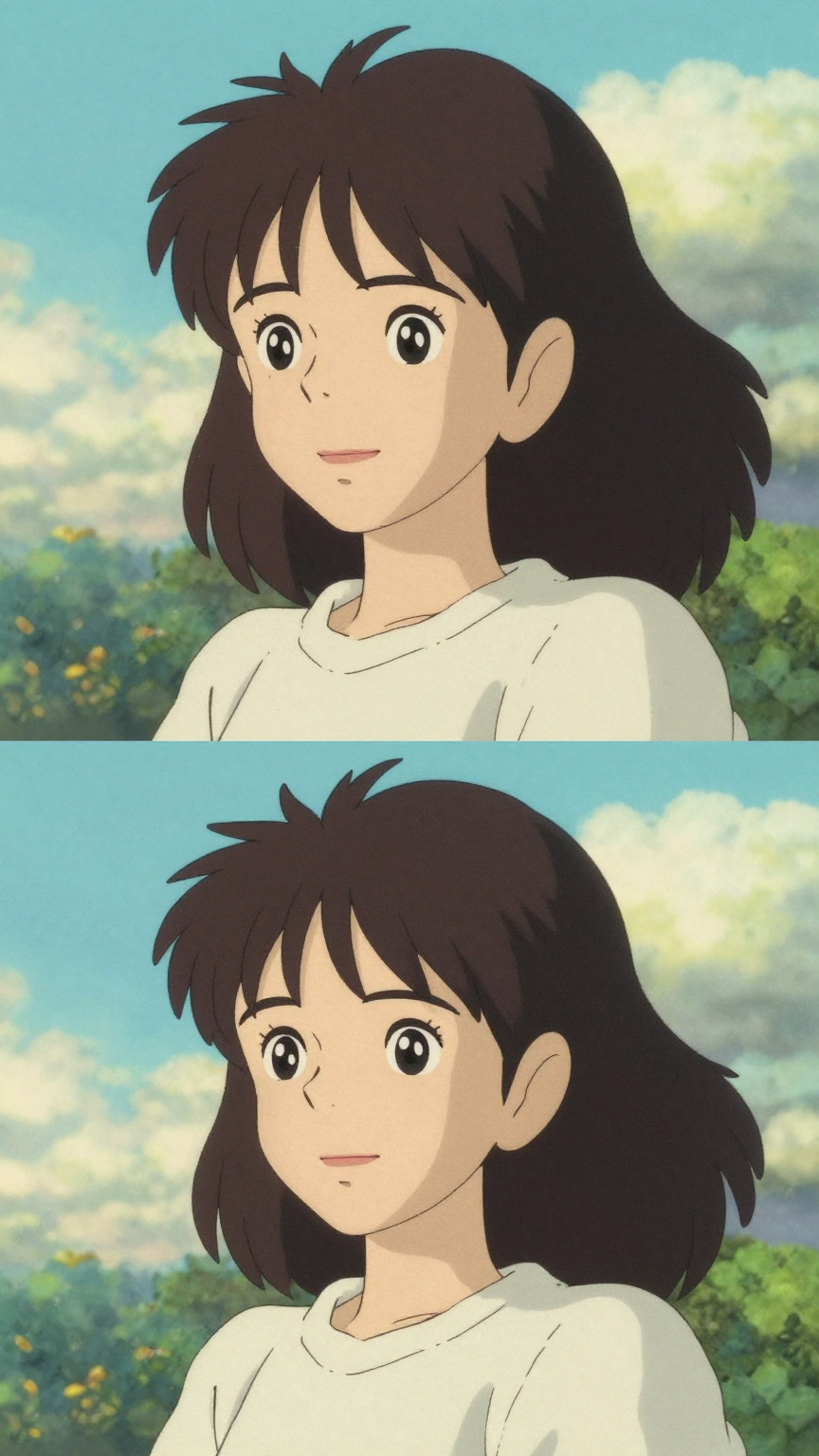
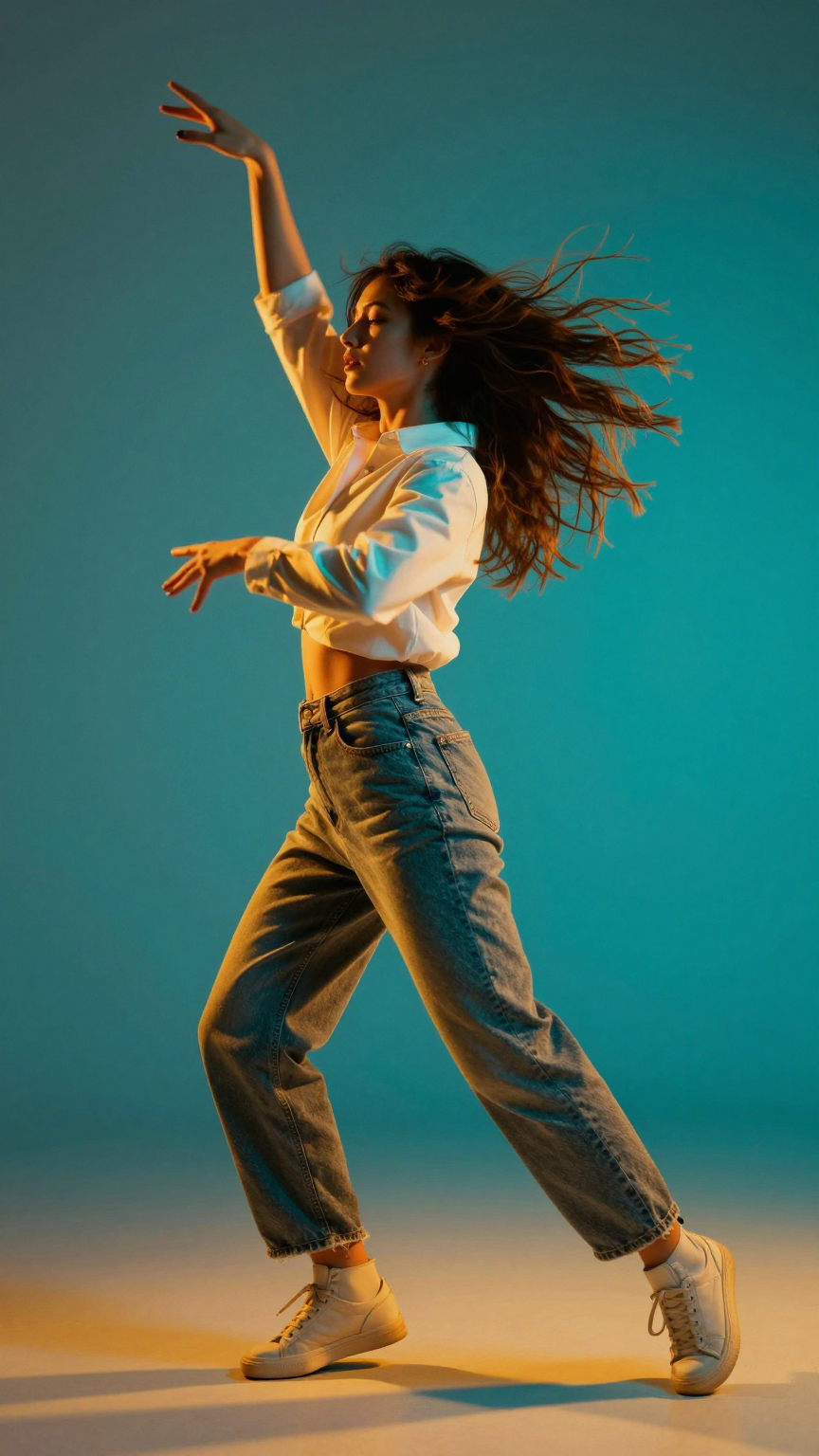
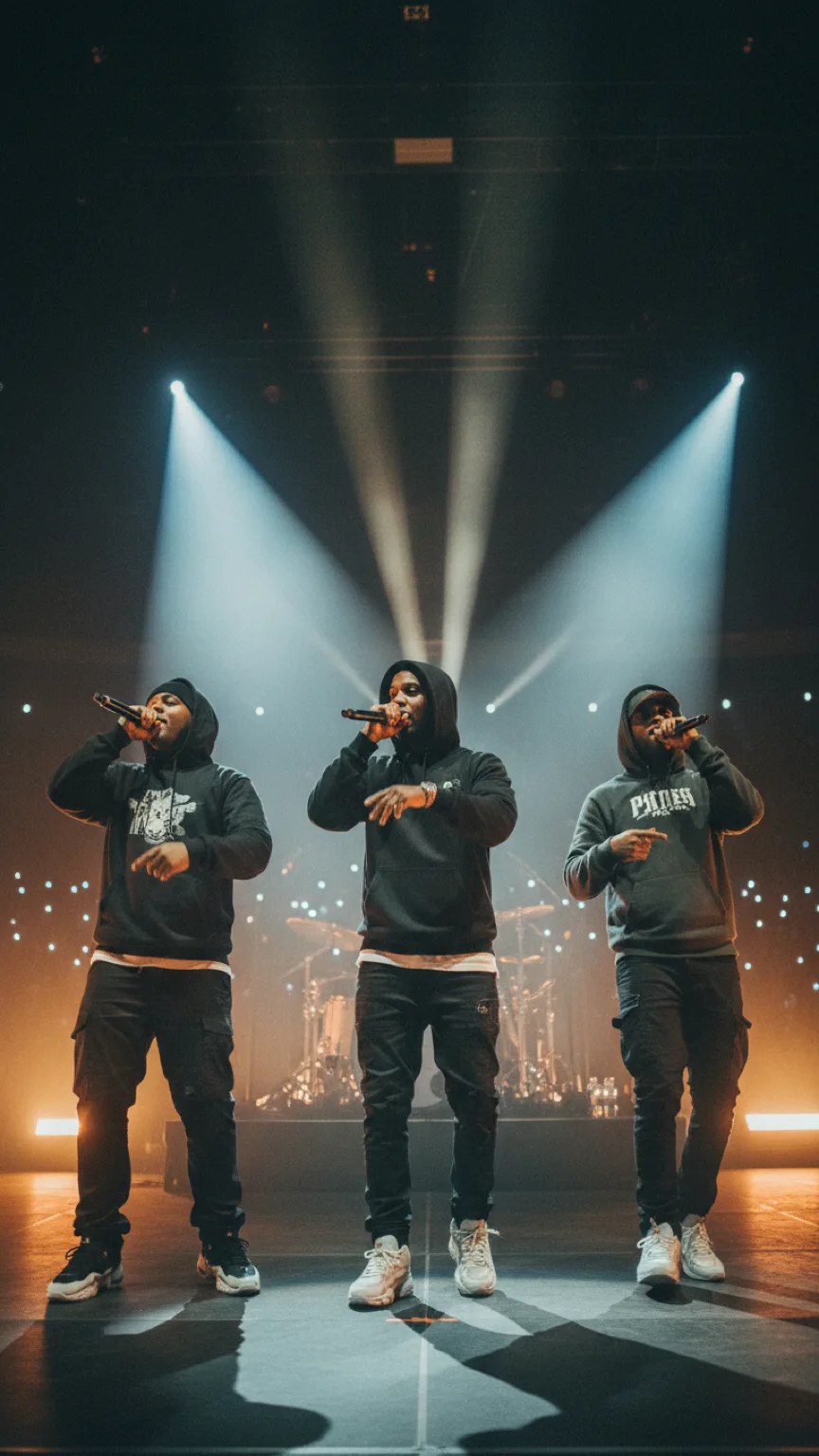
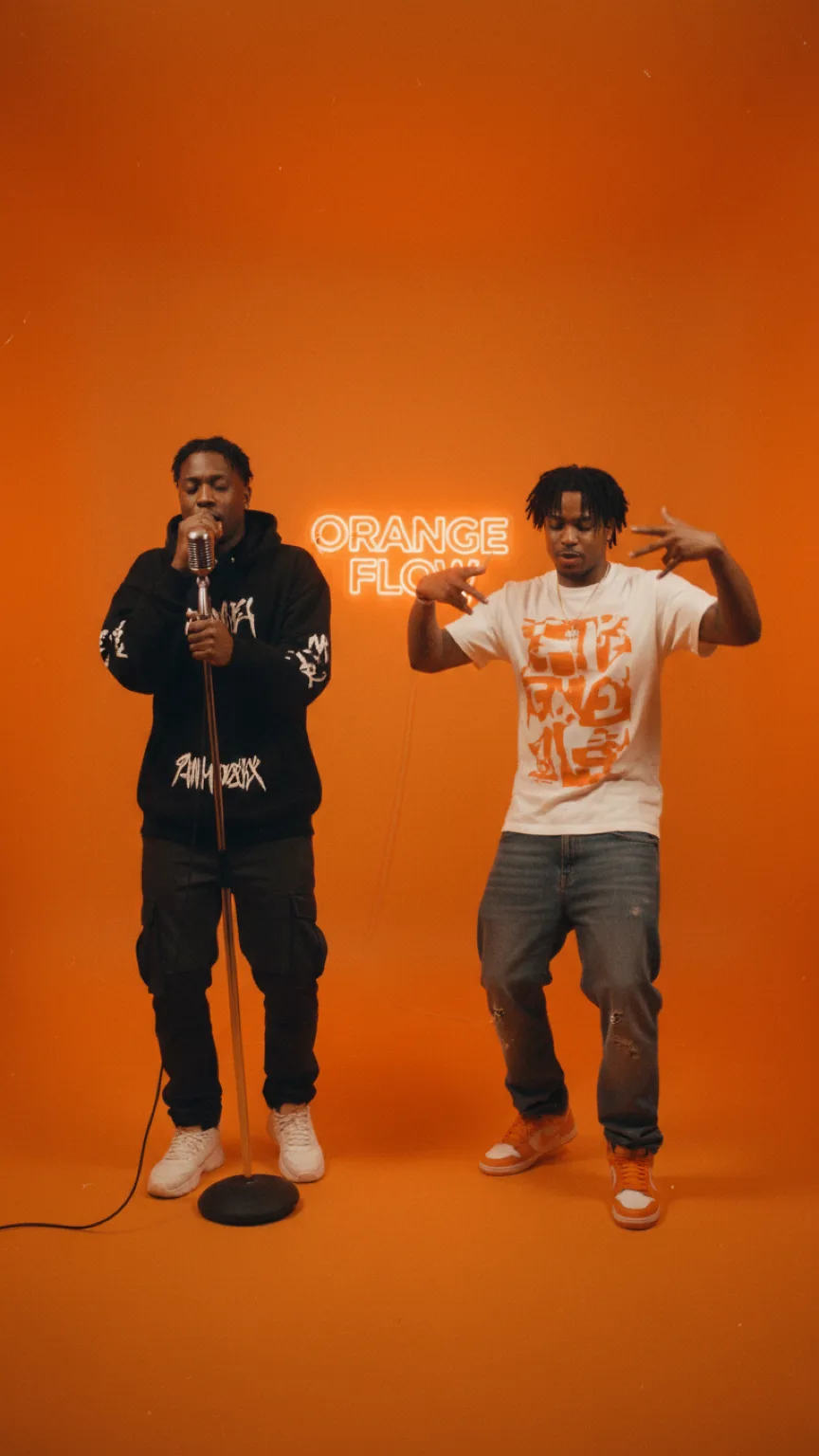
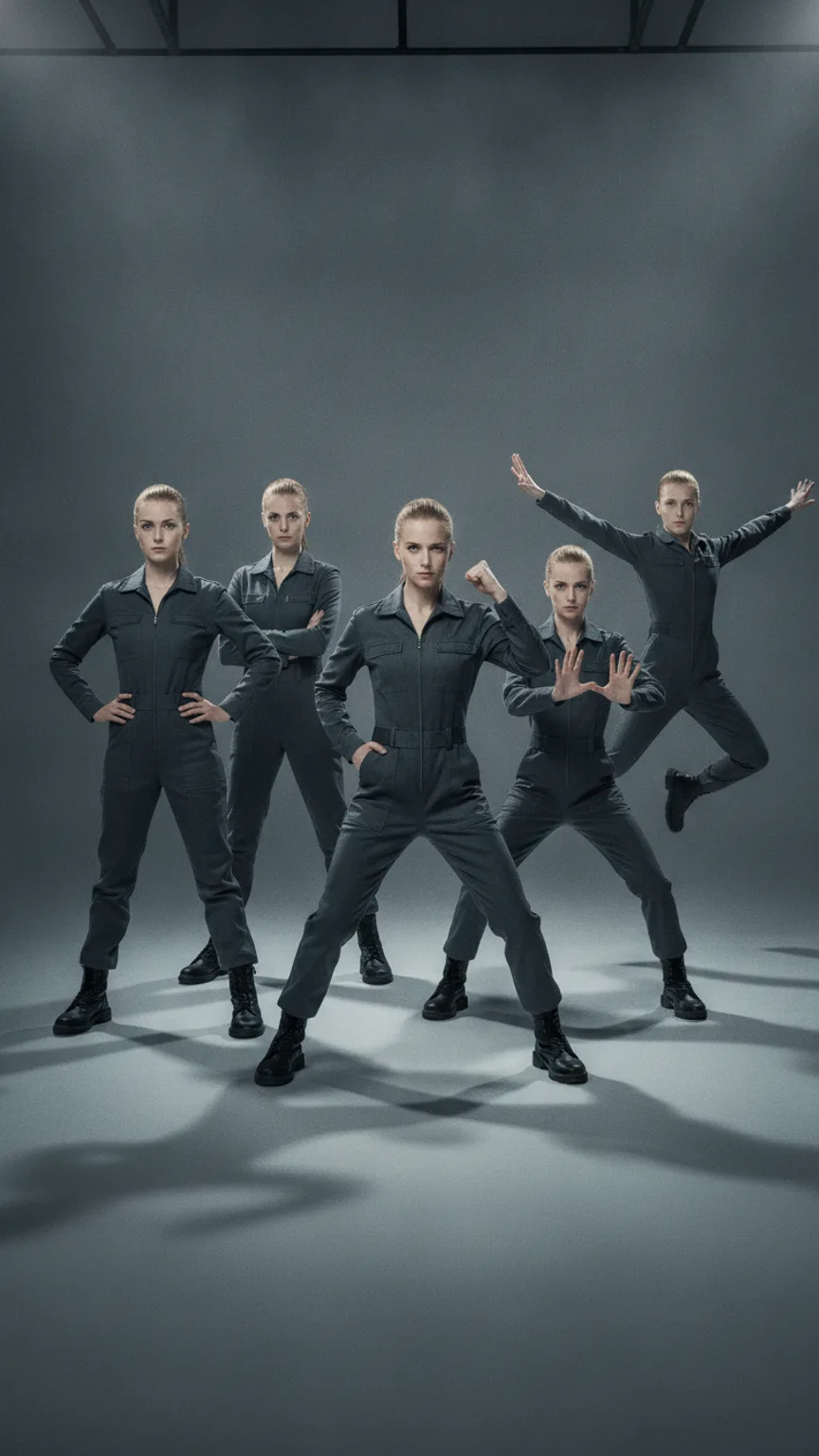
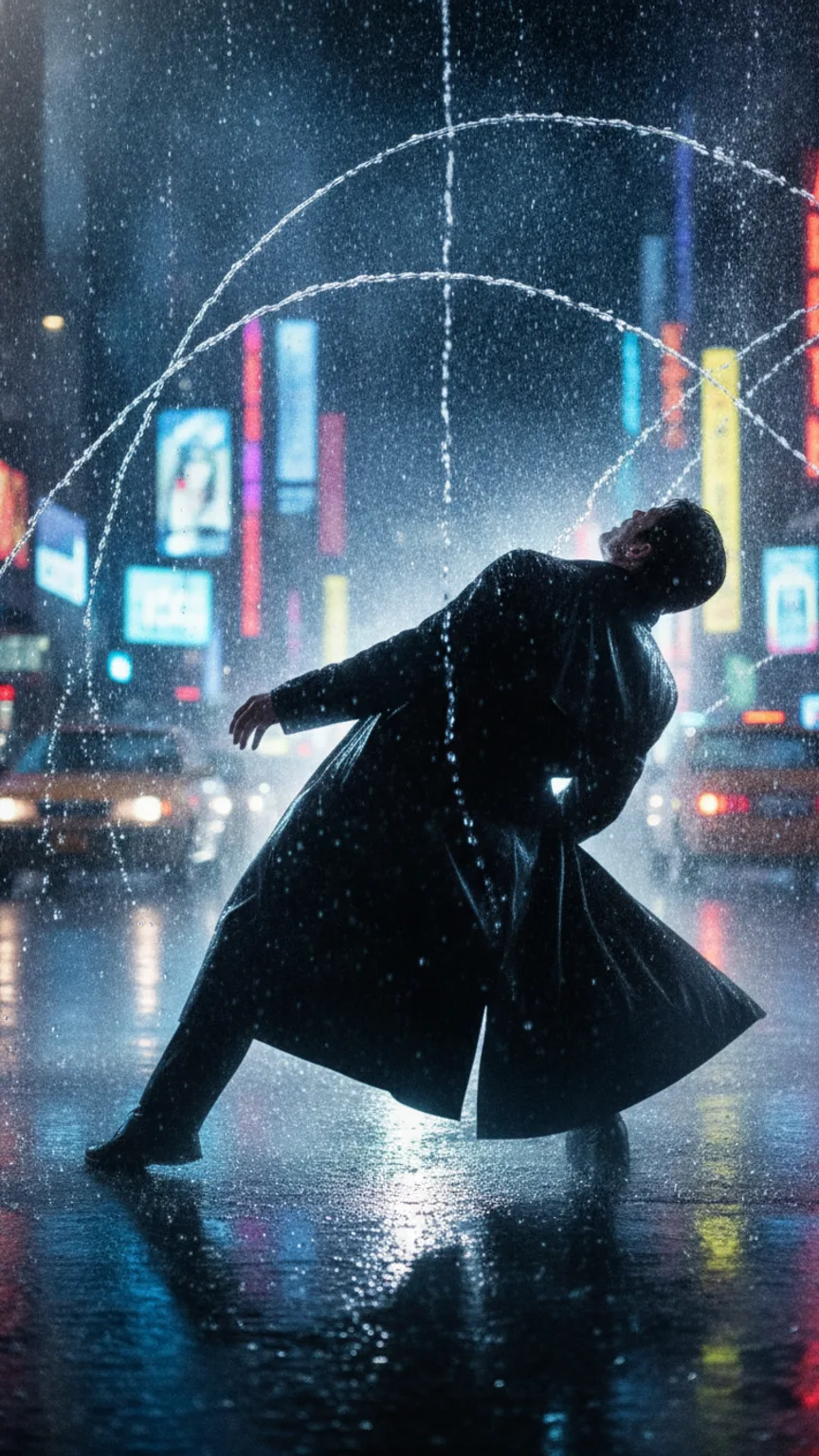
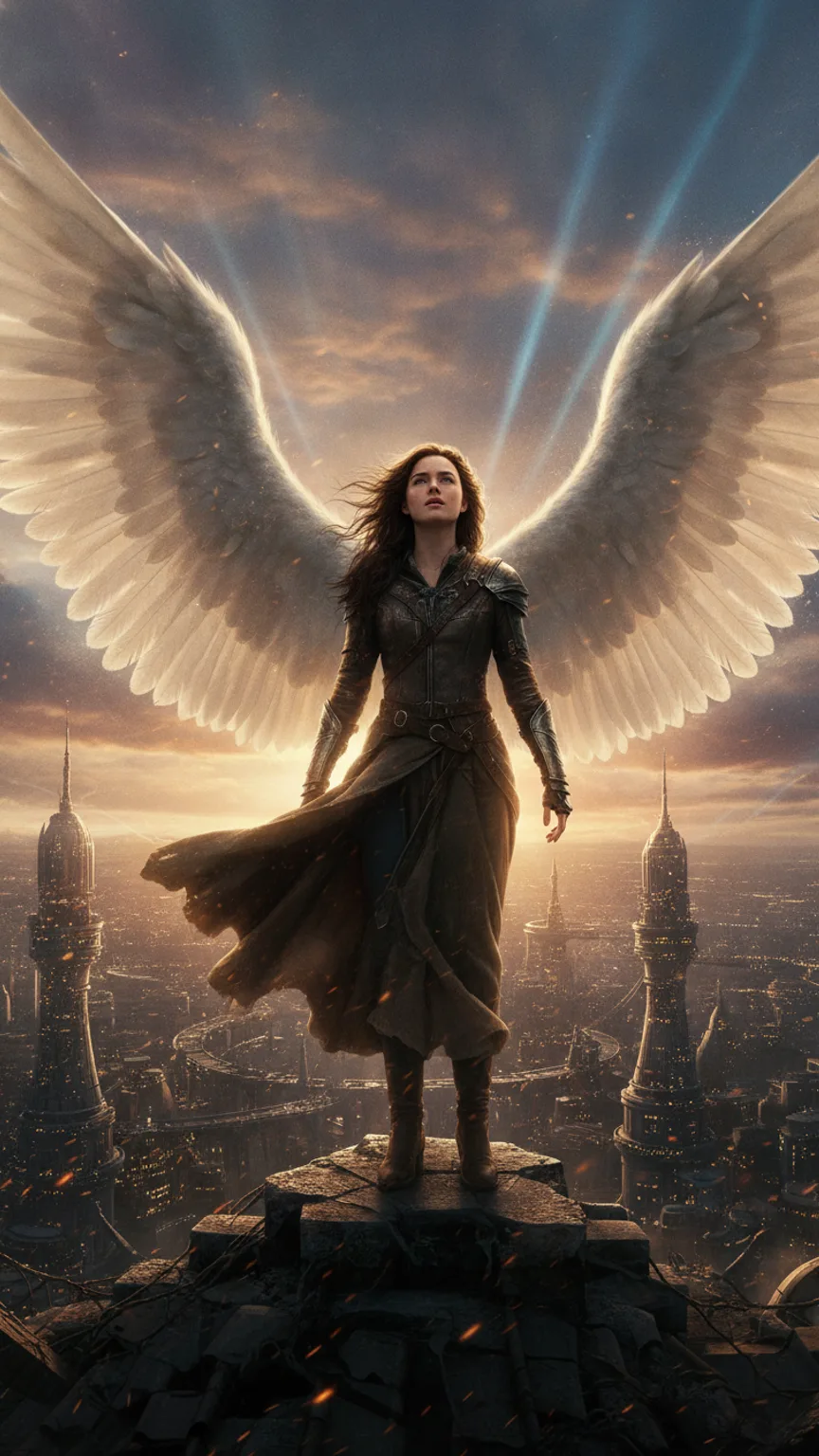
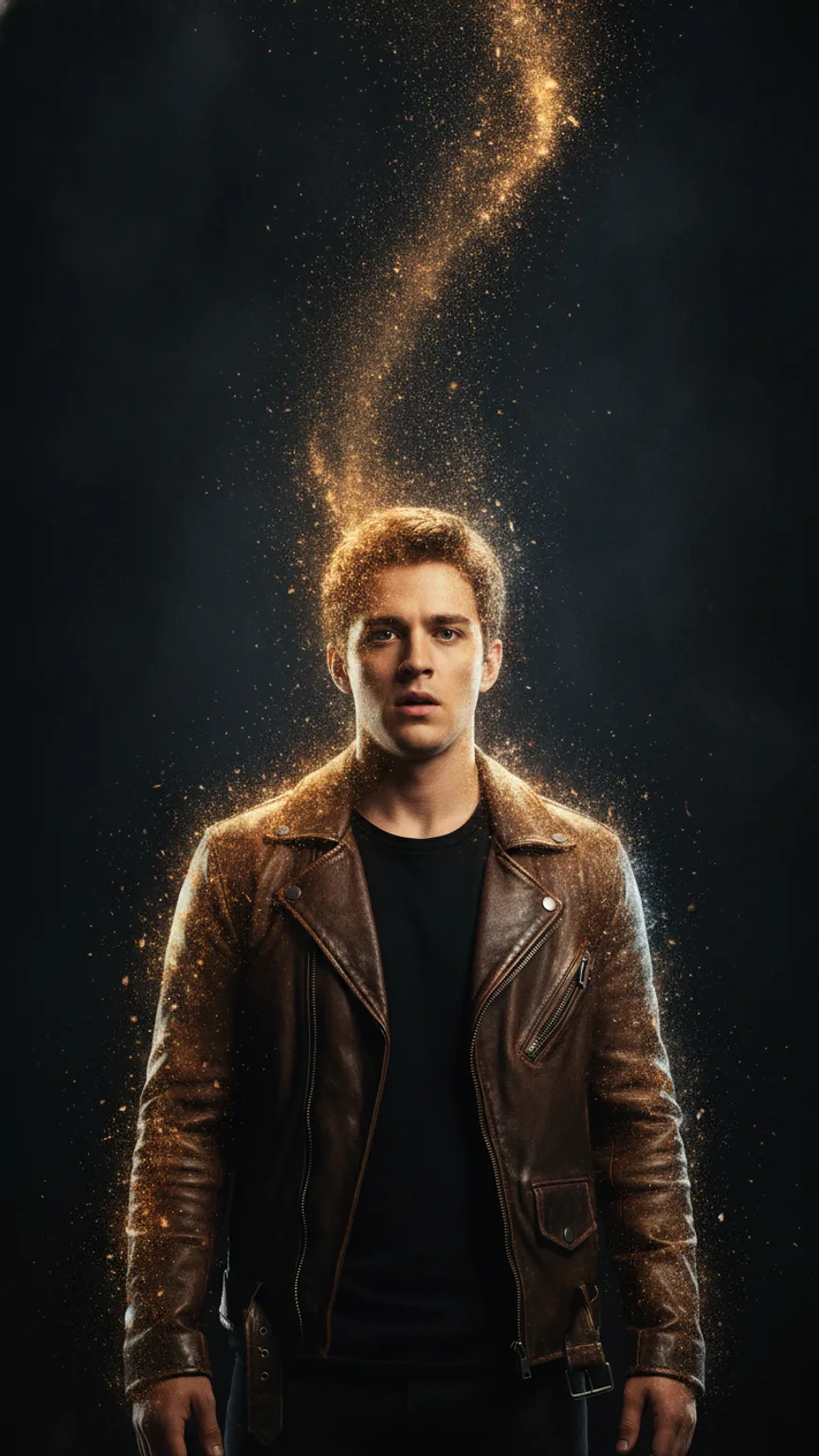
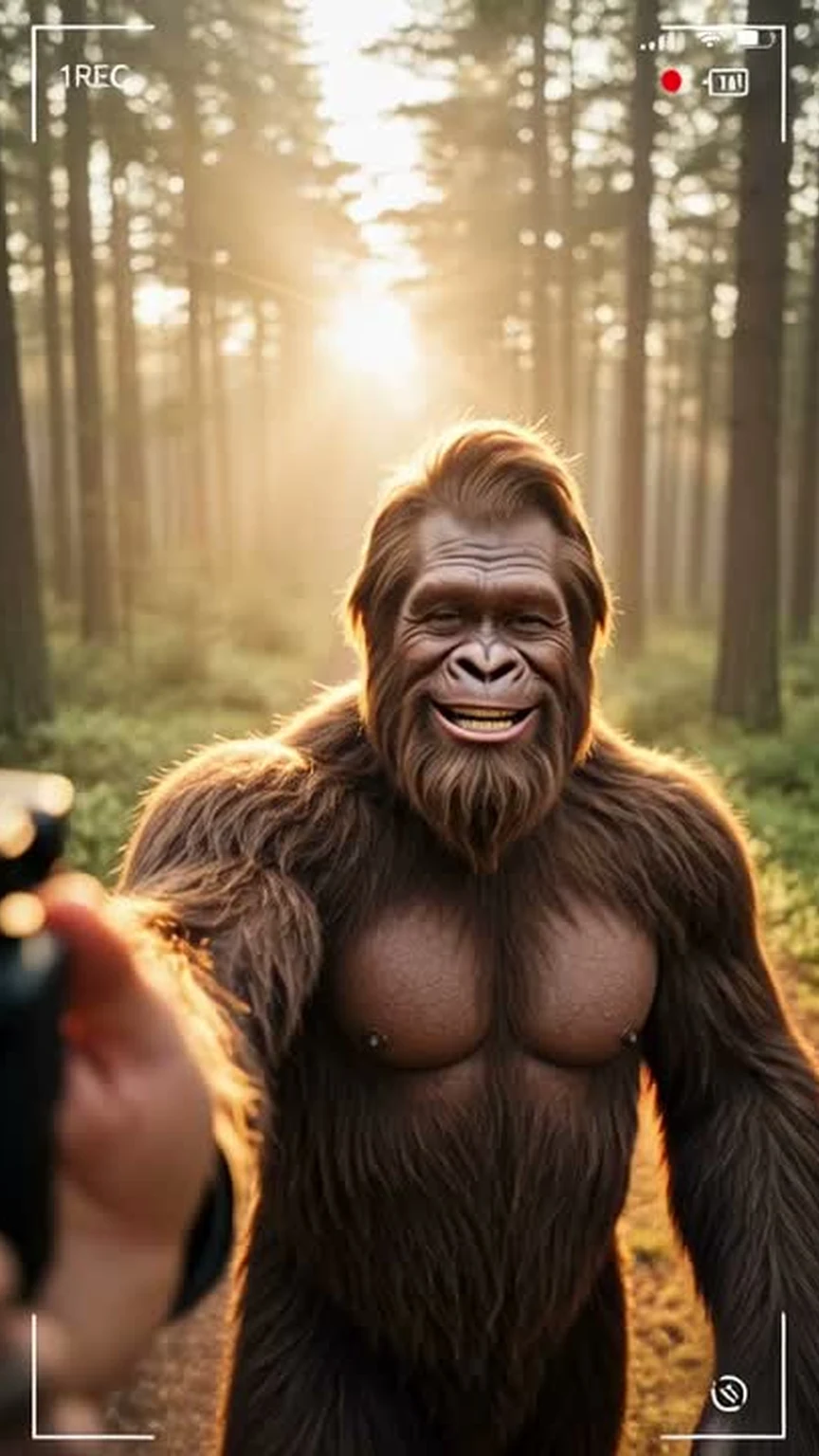
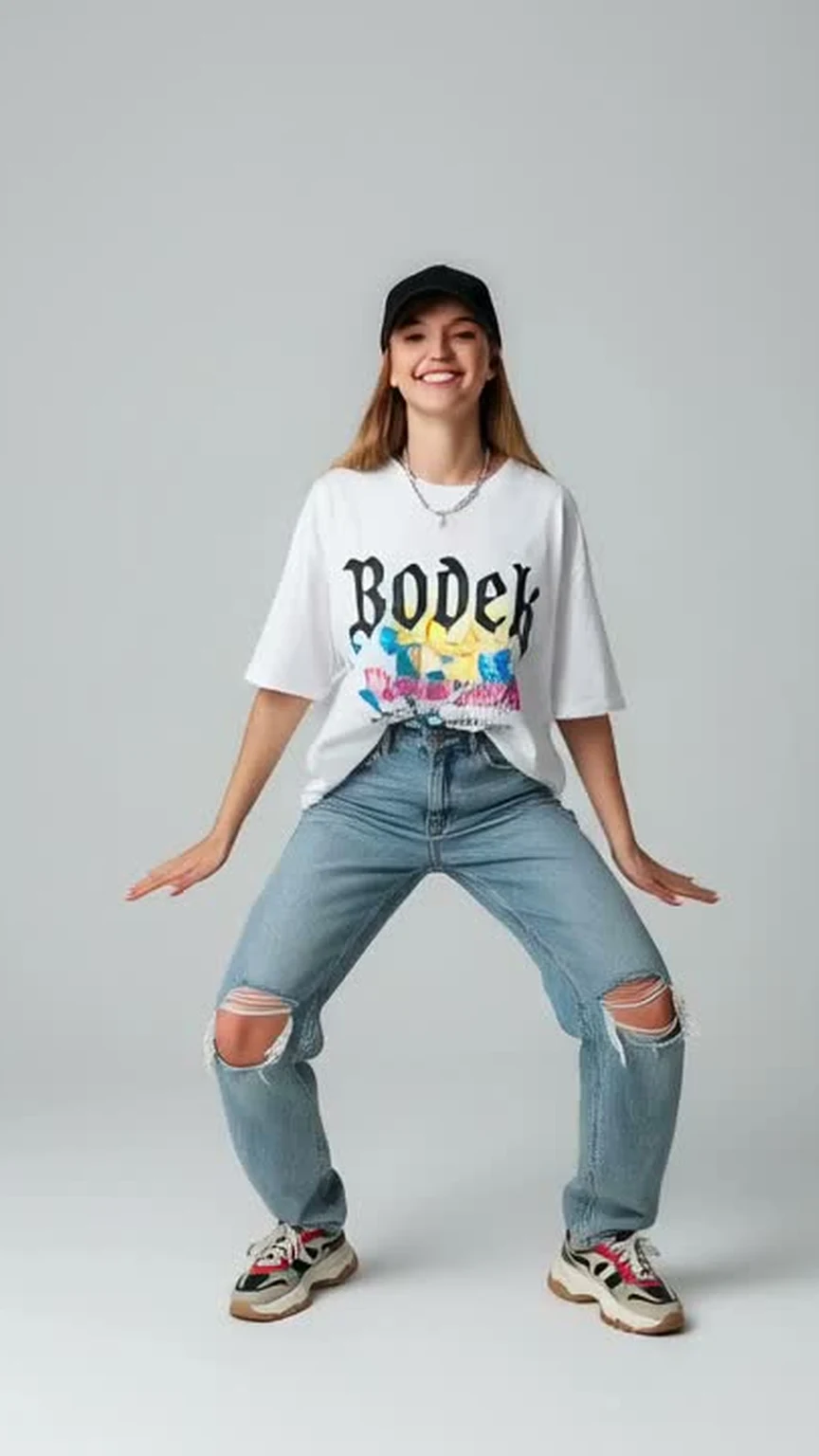
Pick a template, upload a photo, hit Generate — your video is ready in seconds. No prompt engineering, no setup, no learning curve.
A template is a pre-tuned AI video recipe: a carefully engineered prompt, the right defaults, and a simplified form. You upload a photo, pick a style, and click Generate — no prompt engineering required.
No. Each template has a built-in prompt that is filled in automatically from the options you pick. You only choose the style, duration, and resolution.
A single clear photo. For best results, use a well-lit, front-facing image where the subject is fully visible. JPG, PNG, and WEBP up to 20MB are supported.
Most videos finish in 30–90 seconds. You will see a live progress indicator while the AI renders your video.
Vertical 9:16 (default, perfect for TikTok, Reels, and Shorts), square 1:1, and widescreen 16:9. Switch in the form before generating.
By default, yes — the Public toggle is on so your creation may be featured in our Explore feed. You can switch it off for any generation to keep it private.
Credit cost depends on duration and resolution. The exact number is always shown on the Generate button before you click it, so there are no surprises.
Failed generations are automatically refunded. If a video fails for any reason, the credits you would have spent are returned to your account.
Yes. Once a video finishes, click Download to save the MP4 file directly to your device — no watermark, no extra step.