




What is Seedance 1.5?
Seedance 1.5 is a cutting-edge AI video generation model known for its exceptional ability to create fluid human motions and realistic interactions. It has gained massive popularity for creating viral social media content, including trending lifestyle and portrait animations. With its advanced understanding of physics and anatomy, Seedance 1.5 can transform static images into lively, emotional, and dynamic video clips.
Why Seedance 1.5 is trending:
- Lifelike Portrait Animation: Transform static portraits into living moments with natural expressions, subtle head movements, and realistic eye blinking.
- Dynamic Dance Trends: Just like other top models, Seedance excels at complex dance choreography, keeping movements smooth and consistent.
- Atmospheric Scenery: Add life to travel photos by animating elements like wafting hair, ocean waves, or swaying trees.
Quick Access
See the Result
Watch the final generated video showing the natural movement and atmospheric effects created from the static image.
How to Create Seedance 1.5 Videos (Step-by-Step)
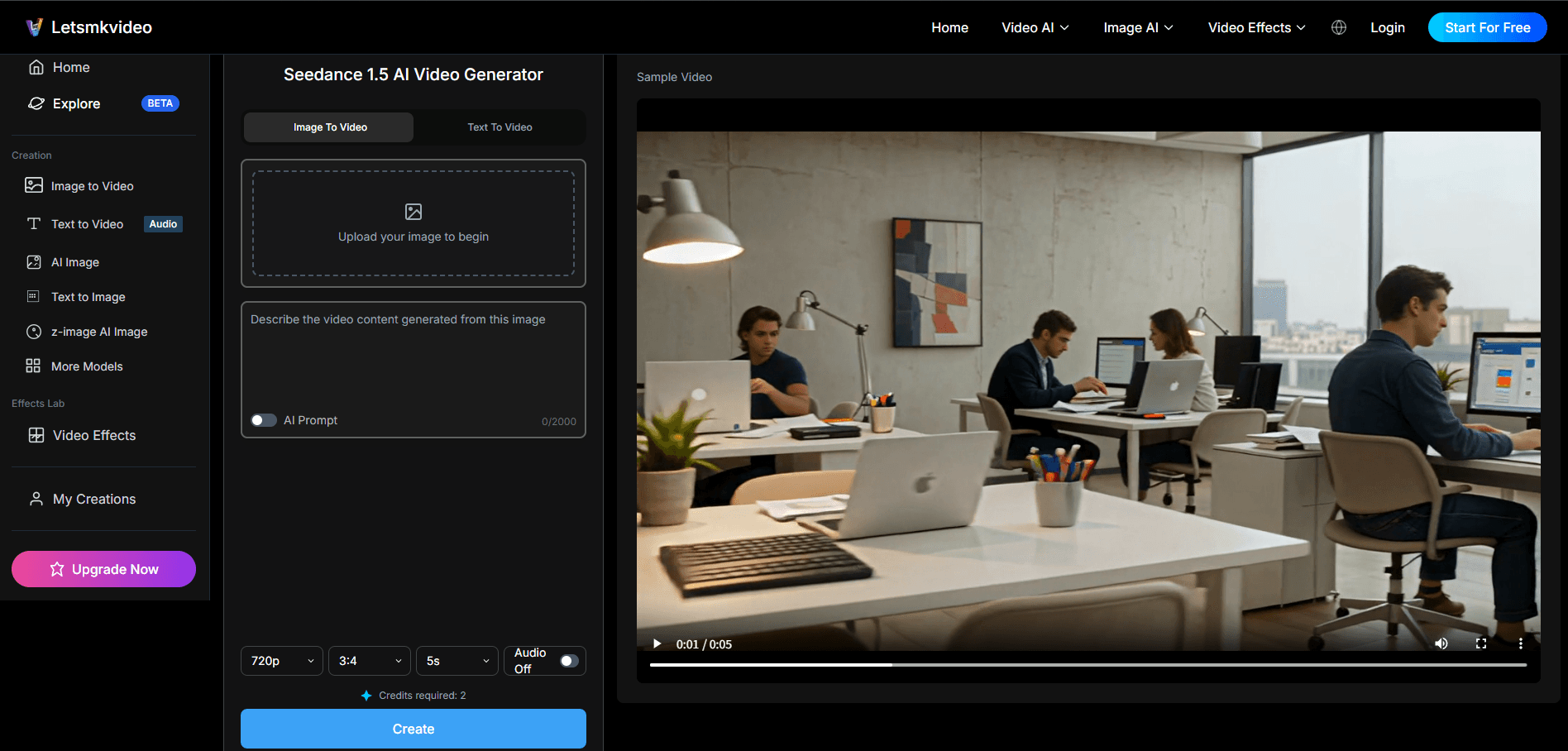
Step 1: Go to the Seedance 1.5 Playground
Navigate to the dedicated Seedance 1.5 generation page on our platform. This tool is optimized to give you the best control over the model's parameters.
Step 2: Upload Your Reference Image
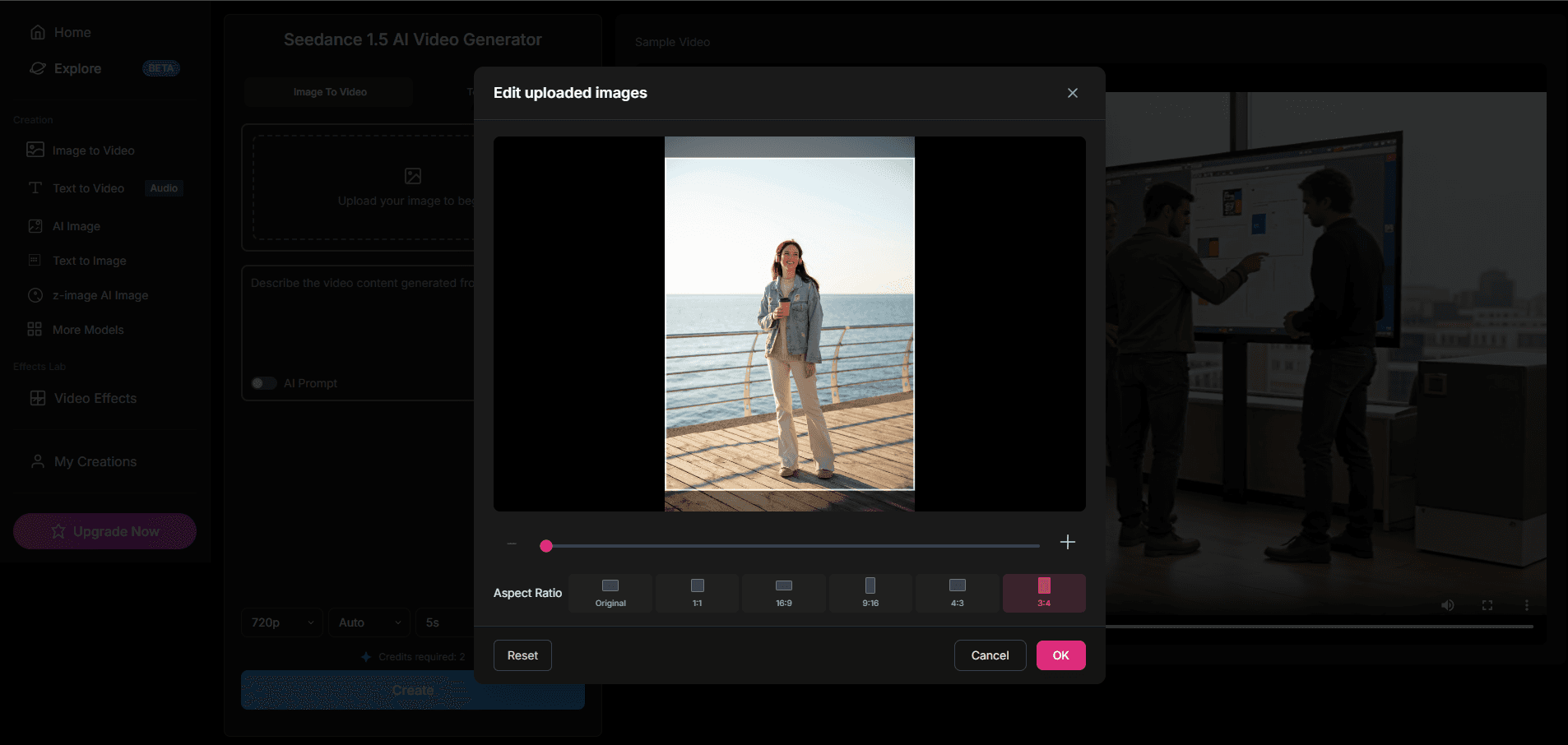
Upload a high-quality portrait or lifestyle photo. For this example, we're using a photo of a young woman standing by the seaside holding a coffee cup. Ensure the subject is well-lit for best results.
Step 3: Enter a Descriptive Prompt
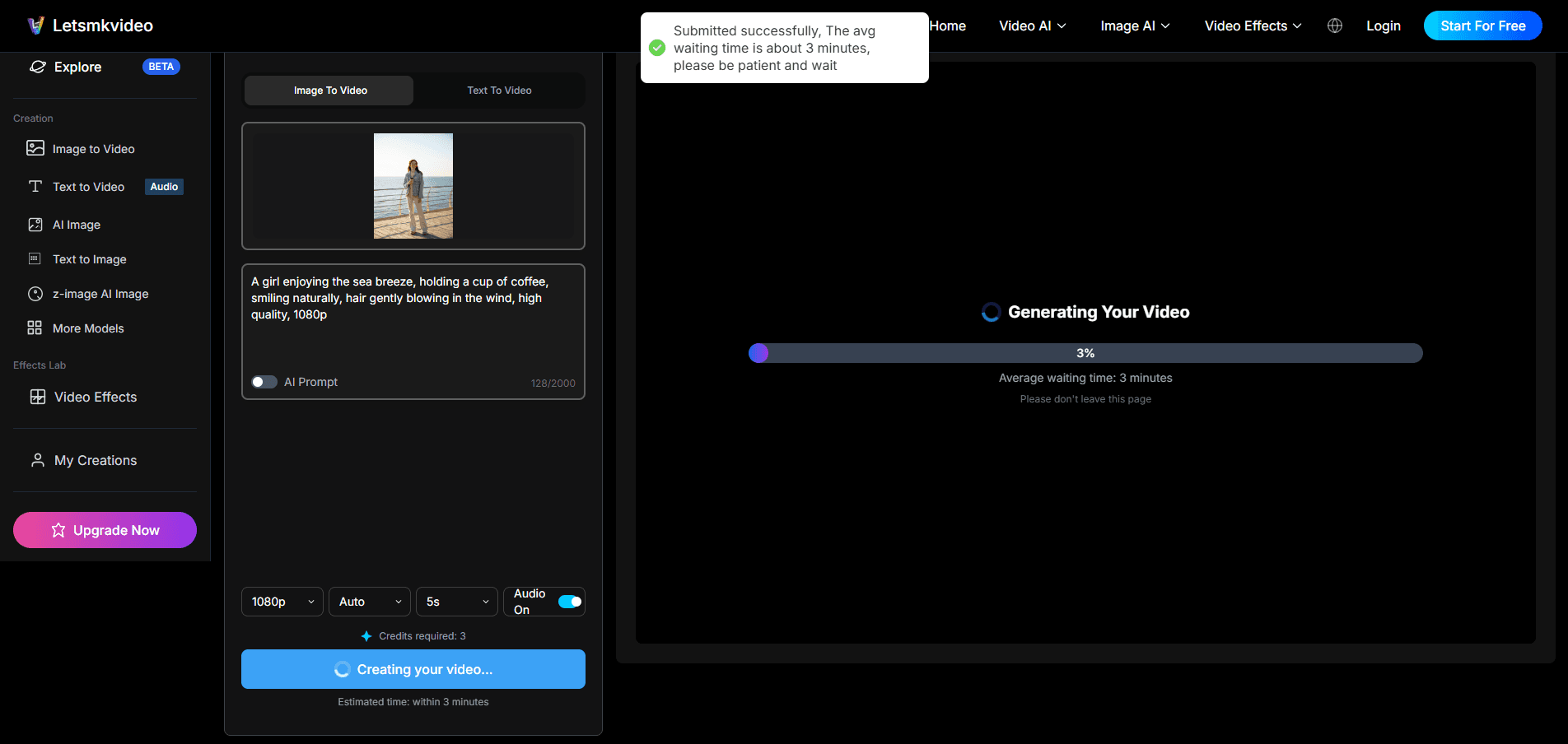
Describe the motion you want to see. For example: 'A girl enjoying the sea breeze, holding a cup of coffee, smiling naturally, hair gently blowing in the wind, high quality, 1080p'. Be specific about the atmosphere and subtle movements.
Step 4: Configure Settings and Generate
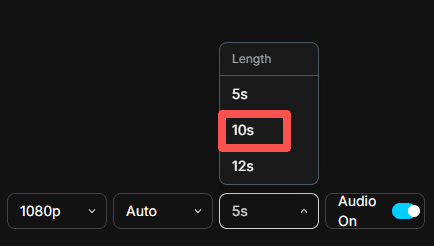
Adjust the duration (5s, 10s) and aspect ratio to fit your target platform (e.g., 9:16 for TikTok). Click 'Generate' and watch Seedance 1.5 bring your image to life.
Key Features of Seedance 1.5
- Hyper-Realistic Human Motion: Unmatched fluidity in character movements, especially for natural gestures and environmental interactions.
- High Consistency: Maintains character identity and details throughout the video generation duration.
- Flexible Aspect Ratios: Supports landscape, portrait, and square formats perfect for any social media platform.
- Text & Image Control: Dual-modal input allows allowing you to guide the video generation with both visual references and text instructions.
Tips for Perfect Results
- Use High-Res Images: Blurry inputs lead to blurry outputs. Always start with the crispest image possible.
- Focus on Composition: For interaction videos, frame your subjects close enough to interact but with meaningful negative space.
- Experiment with Prompts: If the movement isn't right, try adding keywords like 'slow motion', 'passionate', or 'gentle' to refine the style.
Final Thoughts
Seedance 1.5 is a powerful tool in the AI video creator's arsenal. Whether you're animating travel photos, creating lifestyle content, or producing professional character animations, its ability to understand human dynamics sets it apart. Start creating today and see the magic for yourself!