




Omni 1.1 Flash vs Seedance 2.5: The 2026 AI Video Comparison
Two very different bets on the future of AI video landed within days of each other in late August 2026. Google's Omni 1.1 Flash (model ID gemini-omni-1.1-flash) doubles down on conversational control, cheap 360p drafts, and 4K upscaling. ByteDance's Seedance 2.5 went the other way: 30-second single-pass clips, joint audio-video generation, and up to 50 reference files per shot. This comparison sticks to what the two companies have actually published. No benchmark folklore, no leaked specs.
Why This Comparison Matters
Frame quality is the wrong yardstick here. Neither vendor publishes comparable quality metrics, and any “looks better to me” take you read is one person's screenshot. What is comparable is product philosophy. Google announced Omni 1.1 Flash on August 27, 2026 with a pitch about control: extend scenes conversationally, draft cheap at 360p, pay only when you upscale. ByteDance's Seed team introduced Seedance 2.5 with a pitch about scale: one pass, 30 seconds, audio included, up to 30 images and 20 clips as reference material.
One model treats video generation as a conversation you iterate on. The other treats it as a one-take film set. Which one fits your workflow depends on specifics (duration, audio, resolution, inputs, price), so that's exactly what we compare below, with every claim traced to an official source.
The Two Contenders
Omni 1.1 Flash
A general-purpose omni model for building with video — conversational multi-turn editing, scene extension, cheap drafts, and 4K upscale.
Maker: Google · Announced August 27, 2026 · GA on Gemini API paid tier
Seedance 2.5
A long-form storytelling model built on Seedance 2.0's unified audio-video joint-generation architecture — 30-second single passes and multi-minute extensions.
Maker: ByteDance Seed · Launched August 2026 · Jimeng AI & Doubao Pro
The lineage detail worth knowing: Seedance 2.5 is not a ground-up rewrite — ByteDance says it was built “on the unified multimodal audio-video joint-generation architecture of Seedance 2.0.” Omni 1.1 Flash, meanwhile, is the first update to Google's Omni Flash line, and its headline gains are incremental and practical: scene extension reads up to 10 seconds of prior context (up from 1 second), and 360p drafts cut cost to roughly a third of 720p.
Specs at a Glance
Every cell below comes from the vendors' own blogs and documentation. Where a company didn't publish a figure, we say so instead of guessing.
| Dimension | Omni 1.1 Flash | Seedance 2.5 |
|---|---|---|
| Maker | ByteDance (Seed team) | |
| Max single-pass duration | 10 seconds (docs: 3–10s outputs) | 30 seconds |
| Extension | 10s increments, up to 40s cumulative | Multi-round, to “several minutes” |
| Audio generation | Not claimed (video output only) | Yes — joint audio-video per pass |
| Resolution | 720p native → upscale to 1080p / 4K | Not published by vendor |
| Cheap draft mode | 360p drafts (~1/3 the cost of 720p) | Not mentioned |
| Reference inputs per pass | Text + images + up to 3s of video | Up to 30 images, 10 video clips, 10 audio clips |
| Editing approach | Multi-turn conversational editing; first + last frame keyframes | Timestamp-level edits, green screen, camera perspective, reference-based edits |
| Published pricing | ≈$0.10/sec at 720p ($1.50/M input, $17.50/M video tokens) | Not published |
| Where to use it | AI Studio, Gemini API paid tier, Agent Platform, Flow / Gemini app (paid plans) | Jimeng AI, Doubao Pro (API “coming soon” via BytePlus ModelArk) |
Duration & Storytelling
Seedance 2.5 is the clear winner if raw length is what you need. ByteDance doubled the single-pass limit from 15 seconds to 30 seconds, and multi-round extension pushes output to “videos lasting several minutes” — the company frames this as moving “from merely generating a clip to completing a creative work.”
Omni 1.1 Flash plays a different game. The Gemini API docs list output lengths of 3–10 seconds, and the August update improved scene extension: you append 10-second increments and can accumulate up to 40 seconds, with the model reading up to 10 seconds of prior context per extension (the previous version saw just 1 second, which made extended scenes drift). That's a quarter of Seedance's ceiling, but the mechanism, a conversation where each turn grows the clip, is unique, and Google ships it through the new Interactions API so the model remembers the full creative session.
Narrative work longer than a minute belongs on Seedance 2.5 today. Iterative, shot-by-shot work where you renegotiate the content of each clip fits Omni's extension loop better.
Resolution & the Draft-Then-Upscale Workflow
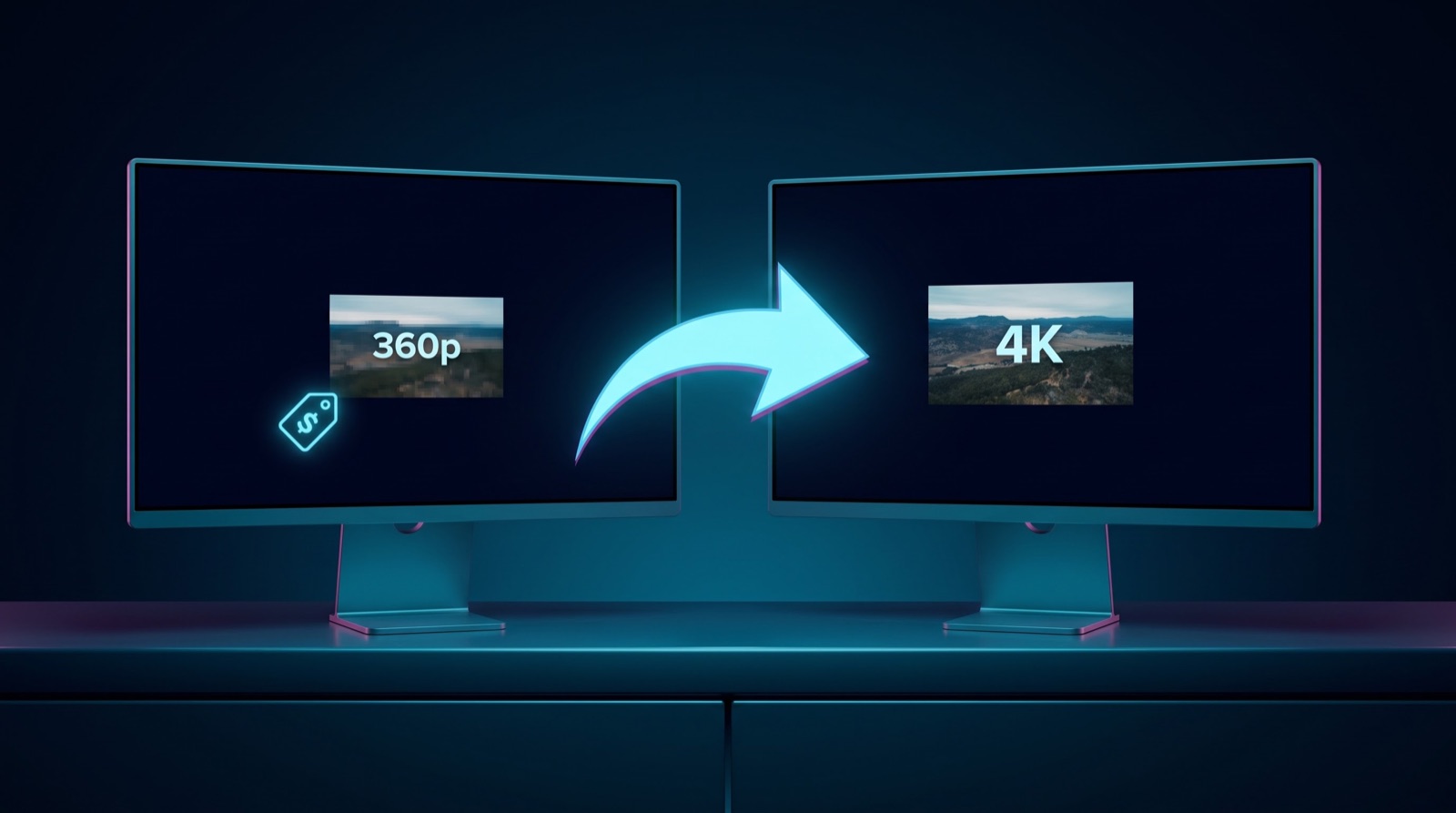
Google is the only one of the two that publishes resolution numbers. Omni 1.1 Flash previews render at 720p at 24FPS, with one-click upscaling to 1080p or 4K. The smarter addition is 360p draft mode: drafts come back up to 60% faster at roughly one-third the cost of 720p (about $0.03 per second), so you can burn through prompt iterations before paying for the good render.
ByteDance has not published a resolution figure for Seedance 2.5, not in the launch blog and not in docs. The company emphasizes instead that 2.5 “optimizes skin, eye, and texture details” and improves lighting and color. Any specific pixel number you see quoted for Seedance 2.5 elsewhere is coming from third parties, not the vendor.
Audio: A Real Split
This is the sharpest dividing line in the whole comparison. Seedance 2.5 generates audio jointly with video in the same 30-second pass (dialogue, effects, music) while keeping audio-visual sync intact, and it preserves multiple characters' voices across edits. That capability is inherited straight from the Seedance 2.0 architecture.
Omni 1.1 Flash does not claim audio generation. Google's video documentation lists its output as video only, and the “native audio” phrasing in Google's stack is reserved for Veo 3.1. If you need sound out of the box, Seedance 2.5 is currently the only option between these two. With Omni, you're dubbing or scoring in a separate step (or reaching for a different Google model entirely).
Reference Inputs
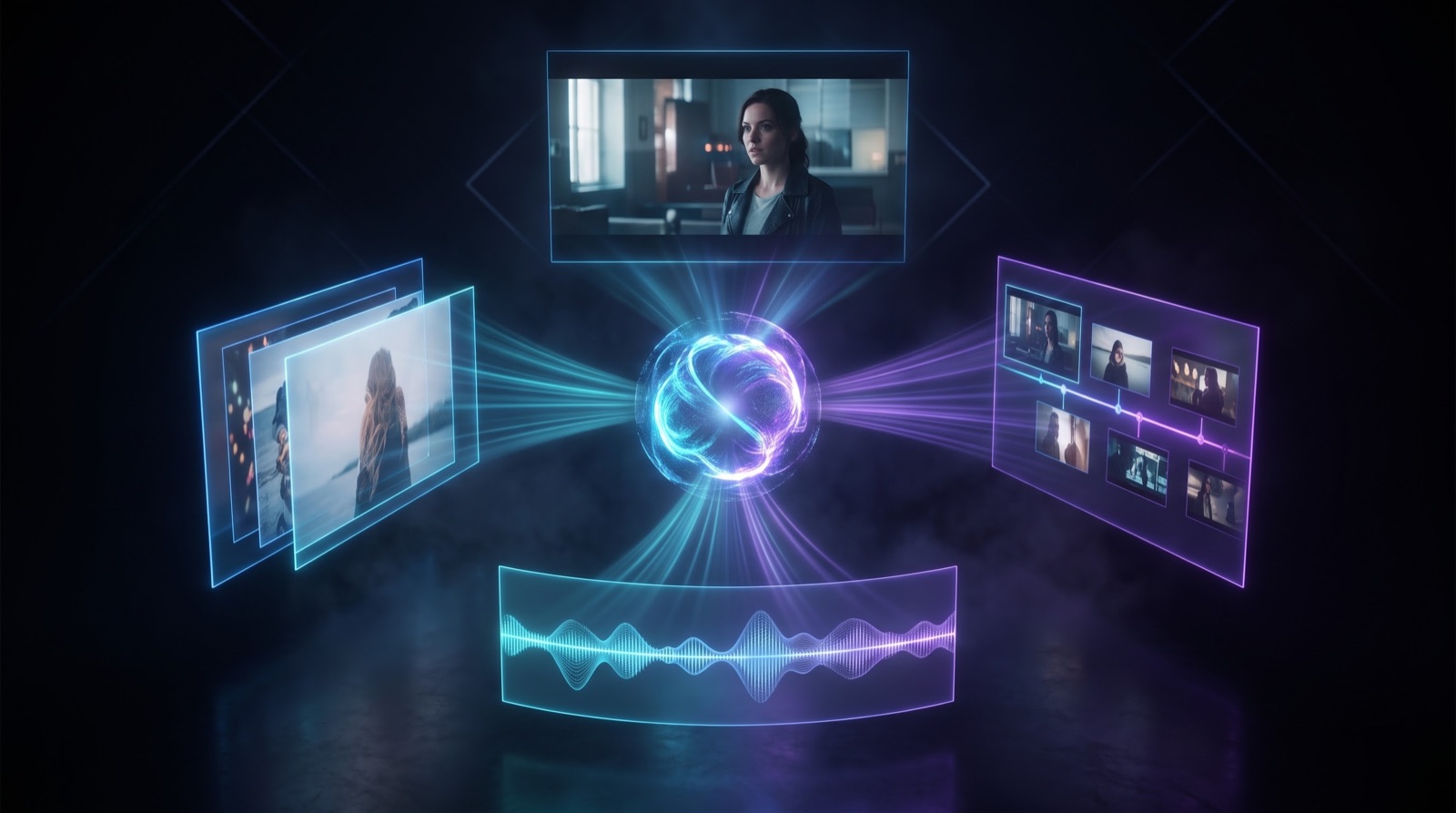
Seedance 2.5 treats references as a first-class feature: up to 30 images, 10 video clips, and 10 audio clips in a single pass, with three dedicated modes: clay render (control layout and composition), motion (transfer movement from a reference clip), and creative (looser style transfer). For storyboarding from existing assets, that's a serious toolkit.
Omni 1.1 Flash accepts multimodal input too (text, images, and as of this release up to 3 seconds of video for editing-style tasks), all inside a 1M-token context window. The emphasis is different. Google talks about “multi-input reasoning” and character consistency across a multi-turn session rather than bulk asset ingestion. Three seconds of reference video versus fifty reference files is a workflow decision, not a footnote.
Editing & Scene Control
Both vendors made editing the centerpiece of their announcements, but they mean opposite things by it.
Omni 1.1 Flash is conversational: you ask for a change in plain language, the model applies it and remembers the session through the Interactions API. It also added first and last frame keyframes, which unlocks camera orbits and seamless loops, on top of the improved scene extension covered above.
Seedance 2.5 is surgical: timestamp-level control over what changes and when, green screen support, camera perspective adjustment, and reference-based edits that preserve multiple characters' appearances and voices. It also works to minimize two classic AI video annoyances: uncontrolled burned-in subtitles and unsolicited background music. If you think in editor terms (EDLs, keyed layers, shot matching), Seedance speaks your language; if you think in director terms (“make the last shot sunset, keep everything else”), Omni does.
Pricing & Availability
Google publishes a full price sheet. On the Gemini API paid tier, Omni 1.1 Flash costs $1.50 per million input tokens and $17.50 per million output video tokens; Google's own math puts effective 720p output around $0.10 per second, with 360p drafts at roughly a third of that. Upscaling to 1080p/4K is billed on top.
ByteDance has published nothing on Seedance 2.5 pricing. Access today is through Jimeng AI and Doubao Pro in supported regions, with API access “coming soon” through BytePlus ModelArk. That “coming soon” matters if you're building a product. Omni 1.1 Flash is generally available right now on the Gemini API, in AI Studio, and on Agent Platform for enterprise, plus Flow and scene extension in the Gemini app for AI Plus/Pro/Ultra subscribers.
One vendor gives you a public API and a public price; the other gives you consumer apps and a promise.
Which Model Should You Pick?
Pick Omni 1.1 Flash if…
You need a public API today with transparent per-second pricing, want to iterate through cheap 360p drafts before paying for 4K upscaling, and prefer directing edits conversationally (extend a scene, change the ending, orbit the camera) within one remembered session. Best for developers and product teams.
Pick Seedance 2.5 if…
You need sound in the same pass (dialogue, effects, synced audio), 30-second single takes or multi-minute stories, and heavy reference-driven control: up to 30 images, 10 videos, and 10 audio clips, plus timestamp and green-screen editing. Best for narrative and ad work, once you can access it.
These models optimize for different jobs. Omni 1.1 Flash wins on availability, pricing clarity, drafts, and 4K upscaling; Seedance 2.5 wins on duration, native joint audio, and reference capacity. A pragmatic 2026 stack drafts on Omni's cheap 360p mode, then produces long narrated pieces on Seedance 2.5 where access allows.
Honest Limitations (Per the Vendors Themselves)
- Seedance 2.5: ByteDance openly acknowledges “room for improvement, particularly regarding the physical plausibility of complex motions and the stability of scenes involving interactions among multiple subjects.”
- Omni 1.1 Flash: No audio generation. Google's docs list video output only, and the company reserves native audio claims for Veo 3.1. Scene extension also caps at 40 seconds cumulative.
- Seedance 2.5 access: API is “coming soon” via BytePlus ModelArk; today it's consumer apps (Jimeng, Doubao) with no published pricing or resolution specs.
- Quality claims in general: Neither vendor publishes comparable visual-quality benchmarks, so treat any “X looks better” claim (including ours) as an opinion until you've tested both on your own prompts.
FAQ
Does Omni 1.1 Flash generate audio?
No. Google's documentation lists Omni 1.1 Flash's output as video only; native audio generation in Google's lineup is a Veo 3.1 feature. Seedance 2.5, by contrast, generates audio jointly with video in every pass.
Which model makes longer videos?
Seedance 2.5. It generates 30-second clips in a single pass and supports multi-round extension to several minutes. Omni 1.1 Flash outputs 3–10 second clips, extendable in 10-second increments up to 40 seconds total.
How much does each model cost?
Omni 1.1 Flash is priced publicly: $1.50 per million input tokens and $17.50 per million output video tokens, roughly $0.10 per second of 720p video, with 360p drafts at about a third of that. ByteDance has not published Seedance 2.5 pricing.
Can I use Seedance 2.5 through an API?
Not yet. ByteDance says API access is “coming soon” through BytePlus ModelArk. Right now the model is available through the Jimeng AI and Doubao Pro apps. Omni 1.1 Flash is generally available on the Gemini API paid tier today.
What resolution does Seedance 2.5 output?
ByteDance hasn't published a resolution figure for Seedance 2.5. Google publishes Omni 1.1 Flash's numbers: 720p at 24FPS natively, with upscaling to 1080p and 4K.
What's the difference between Seedance 2.0 and 2.5?
2.5 builds on 2.0's unified audio-video architecture. The upgrades: single-pass length doubles from 15s to 30s, multi-round extension enables multi-minute stories, and reference capacity reaches 30 images / 10 videos / 10 audio clips per pass, with clay-render, motion, and creative reference modes plus timestamp and green-screen editing.
Sources (official announcements & docs)
- Google — “Gemini Omni 1.1 Flash lets you build with more control” (official announcement, August 27, 2026)
- Google AI — Gemini Omni Flash model documentation (model ID, I/O, context window)
- Google AI — Gemini API video generation docs (resolution, duration, upscale)
- Google AI — Gemini API pricing (token and per-second costs)
- ByteDance Seed — “One-take Creation, Flexible Referencing: Introducing Seedance 2.5” (official launch blog)
Try Leading AI Video Models in One Place
Stop juggling tabs. Generate with today's top AI video models side by side and pick the winner per shot.
Start Creating Now